
Dial. Talk. Hang up. Find the next number. Type it. Dial again. Every gap invites a WhatsApp scroll, and by evening the 'chhota sa break' between calls has eaten half your selling day.
Auto Dialer App: We Dial, You Talk
Pick any list, press Start, and RMDialer calls through it one by one. No typing, no searching, no gap for laziness to sneak in. A 100-call list stops being a whole day's battle and becomes a focused session.
What is an auto dialer app, and how does RMDialer do it?
An auto dialer app dials a list of numbers one after another so a caller never types a number. RMDialer runs the session on an ordinary Android phone using the SIM already in it: pick a list (leads by status, due follow-ups, call-log numbers, or an imported Excel sheet), press start, and the app calls each number one by one while the after-call sheet keeps your leads updated in between.
- Dials from your own SIM, so the customer sees your real number
- No IVR, no VoIP and no virtual number to buy
- Lists can come from Excel, an API, assigned leads or the call log
- Pause or stop the session from any screen
Watch RMDialer in action
A session, start to finish
Pick any list
Excel upload, API/Facebook leads, assigned queue, call log, follow-ups, or a status filter.

Set SIM, gap & audio
Choose the SIM for dialing, the gap between calls (e.g. 8 sec), speaker/mic defaults, and when a lead counts as complete.

Press Start. Just talk.
"65 leads pending" calls itself, one by one, from YOUR phone and SIM. Pause or stop from anywhere.

CRM updates between calls
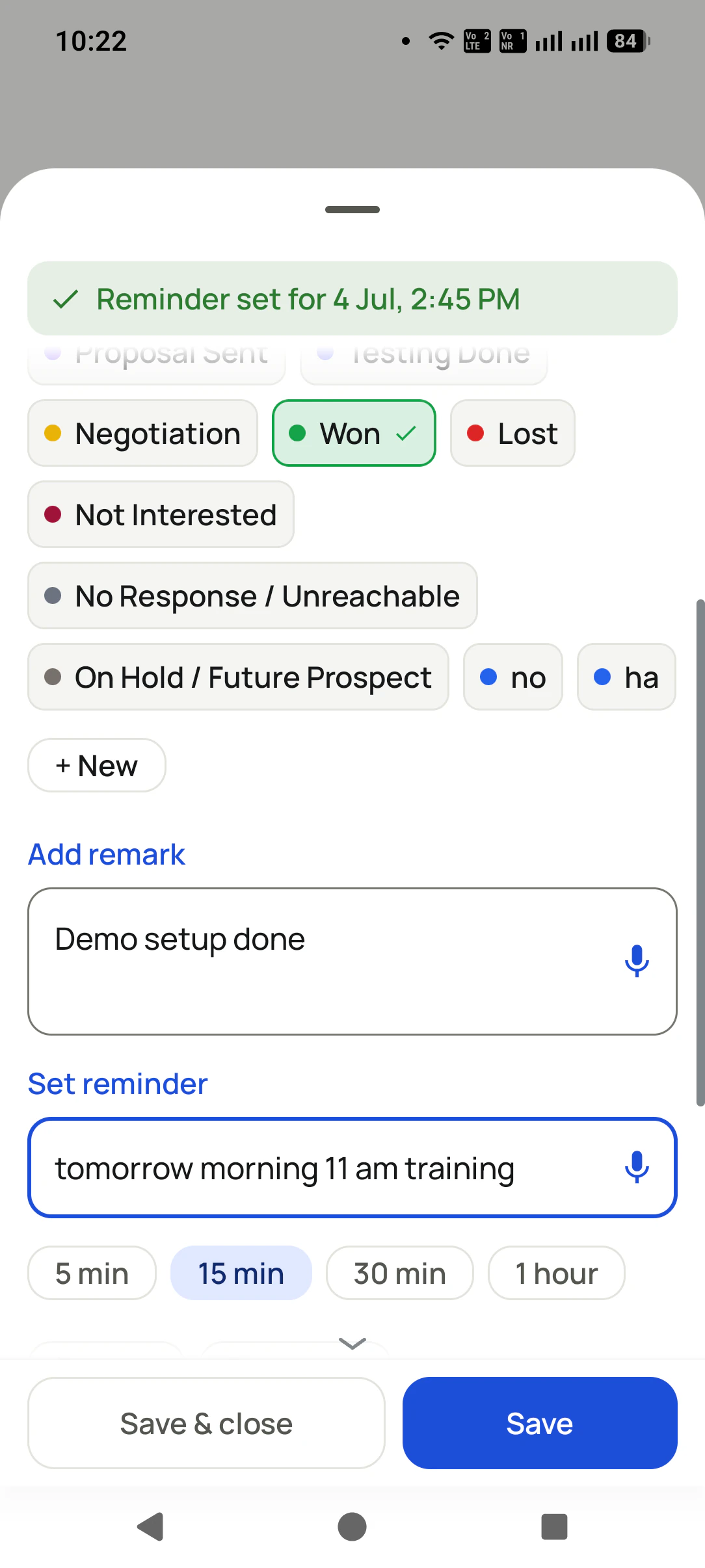
The after-call sheet appears after each call: 2 taps for status + remark, and Auto WhatsApp sends the details.
Dialing by hand eats your day, bit by bit
None of this feels big in the moment. Added up, it is the difference between finishing the list and carrying it to tomorrow. Again.
Typing every number
Find the number, copy it, type it, dial. 20-30 seconds per call. On a 100-call list that is a full half hour of just... typing.
The gap between calls
Call ends. A quick WhatsApp scroll, a sip of chai, "bas 2 minute". The gap between two calls is where whole afternoons disappear.
The laziness tax
Before every manual dial there is a tiny decision: "abhi karu ya baad me?" A hundred tiny decisions a day, and the list never finishes.
The total damage
A 100-number list takes a whole scattered day manually. The same list on auto dialer: 2-3 focused hours, done.
Your effort is not the problem. The gaps are. Auto Dialer deletes the gaps.
Dial from anywhere your leads live
Whatever brings you numbers, it becomes a hands-free calling session.
Excel / CSV / JSON upload
Import any lead file (only the mobile number is required) and start dialing the whole sheet.
Any API or Facebook leads
Connect a Google Sheet or REST API as a lead source. Facebook/Instagram ad leads landing in your sheet auto-import in the background, ready to dial while they are still hot.
Assigned leads queue
Team members hit Start on their own assigned queue and call through it, no list-making needed.
Your call log
Redial recent numbers, missed calls, or unique callers straight from the log.
WhatsApp API contacts
Your CRM contacts from the WhatsApp API (thousands of them) become leads and then a calling list.
Today's due follow-ups
One tap dials everyone you promised to call back today, in order.
Any status filter
All "New" leads. All "Interested". Any slice of your pipeline becomes a session.
Lost leads win-back
The list nobody else calls: your lost leads, dialed one by one with a fresh offer.
Whoever does the calling, wins the time back
Business owners
Your evening follow-up hour actually finishes now. Pick the due list, press Start, and be done before dinner.
Agents (real estate, insurance, finance)
Fresh leads from your ads get called the same hour, not the same week. Speed-to-call is what wins the client.
Sales employees & telecallers
No number typing, no list confusion, no manager asking "kitne calls hue?": the session counts every call for you.
Same Start button, full team control
Assign leads to members, and auto dialing runs from each rep's own phone and SIM, while you see everything.
Assigned leads queue
Each rep sees their own leads, split into new and completed. No stepping on each other.
Dialer settings per rep
SIM choice (auto or fixed), call gap, and speaker/mic defaults, set once per phone.
Auto lead-complete rules
Complete on any outgoing call, or only when it lasts 5, 10, or 30+ seconds: you decide what counts as "called".
Their phone, their SIM
Calls go from the rep's own number, so customers see a real number and call back. No per-minute cloud charges.
The manager can see it all
Who called whom, what changed, what is due: all there without asking anyone to type a report.
Transfer with history
Reassign a lead to another teammate. The full story travels with it.
Poora team setup dekhna hai? Teams page pe live walkthrough book karo.
The between-calls superpower
Auto Dialer is not just speed. Between every two calls the after-call sheet captures the outcome in 2 taps, Auto WhatsApp sends the customer their details before you reach the next number, and missed answers become follow-up reminders. You finish a session with the list called AND the CRM complete.
One app. Every feature. One price.
Whether you are one person or one thousand, every RMDialer user gets the complete feature set. No tiers, no locked buttons, no "upgrade to unlock".
Questions, answered
Does it really dial by itself?
Yes. You pick the list and press Start. The app calls each number one by one. You only talk, and optionally tap twice between calls to update the lead.
Whose number do customers see?
Your own SIM number (or each rep's own SIM in a team). Calls are normal SIM calls, so callbacks land with the right person and there are no per-minute cloud charges.
Can I control how fast it dials?
Yes. The gap between calls is adjustable (for example 8 seconds), and speaker/mic defaults make hands-free sessions comfortable.
When is a lead marked complete?
Your choice: any outgoing call, or only calls lasting at least 5, 10, or 30 seconds, so quick cut calls do not count as done.
Can I pause mid-session?
Any time. A small bar stays on screen wherever you go with pause and stop, and the session resumes where you left off.
How do Facebook leads get dialed?
Facebook/Instagram lead ads deliver to a Google Sheet or your CRM API. Add that as a Lead Source in RMDialer. New leads auto-import in the background and are ready in your dialing list.
Does it work with the after-call WhatsApp?
Yes, they are made for each other: every dialed call can trigger an automatic WhatsApp with the details, so the customer has your message before you reach the next call.
How is this different from a telecalling CRM?
Telecalling CRMs are separate apps your team must remember to fill. RMDialer is the phone they call from, so the work itself creates the record. From 2 to 1000 users, every feature included.
Is this allowed on a normal SIM?
Calls go through your own SIM and dialer, exactly like manual dialing, just without the typing and the gaps. Follow normal telecom do-not-disturb rules for who you call.
Aaj ki list, aaj hi khatam
Pick a list, press Start, and see what a gap-free calling hour feels like.