
You made 1,660 calls this year. How many customers did you lose? How many of those calls even connected? How many were the same person twice? Almost no business can answer, because the basic dialer counts nothing, and a dialer that counts nothing cannot be improved.
Call Analytics & Lost Lead Tracking
RMDialer turns your call log into a scoreboard you can tap: incoming, outgoing, connected, unique, rejected, blocked, spam, and the ring that changes businesses, LOST LEADS. Tap any number and the call log filters to exactly those people, ready to win back.
How can a business owner see how many calls the team actually made?
RMDialer counts every call each person makes on their own phone: total calls, connected calls, talk time, and what happened to each lead. Owners see it in the app and in a web browser, so a team spread across cities still reports into one place without anyone filing a sheet.
- Per-person call counts, connected calls and talk time
- Check reports from a web browser, anywhere
- Lost-lead list ready for a win-back campaign
- Nothing to fill in by hand: the calls report themselves
Watch RMDialer in action
See it working, step by step
Open your scoreboard
1,660 total calls, and every result counted in colored rings: incoming, outgoing, missed, connected, unique, rejected, lost leads, blocked, spam.
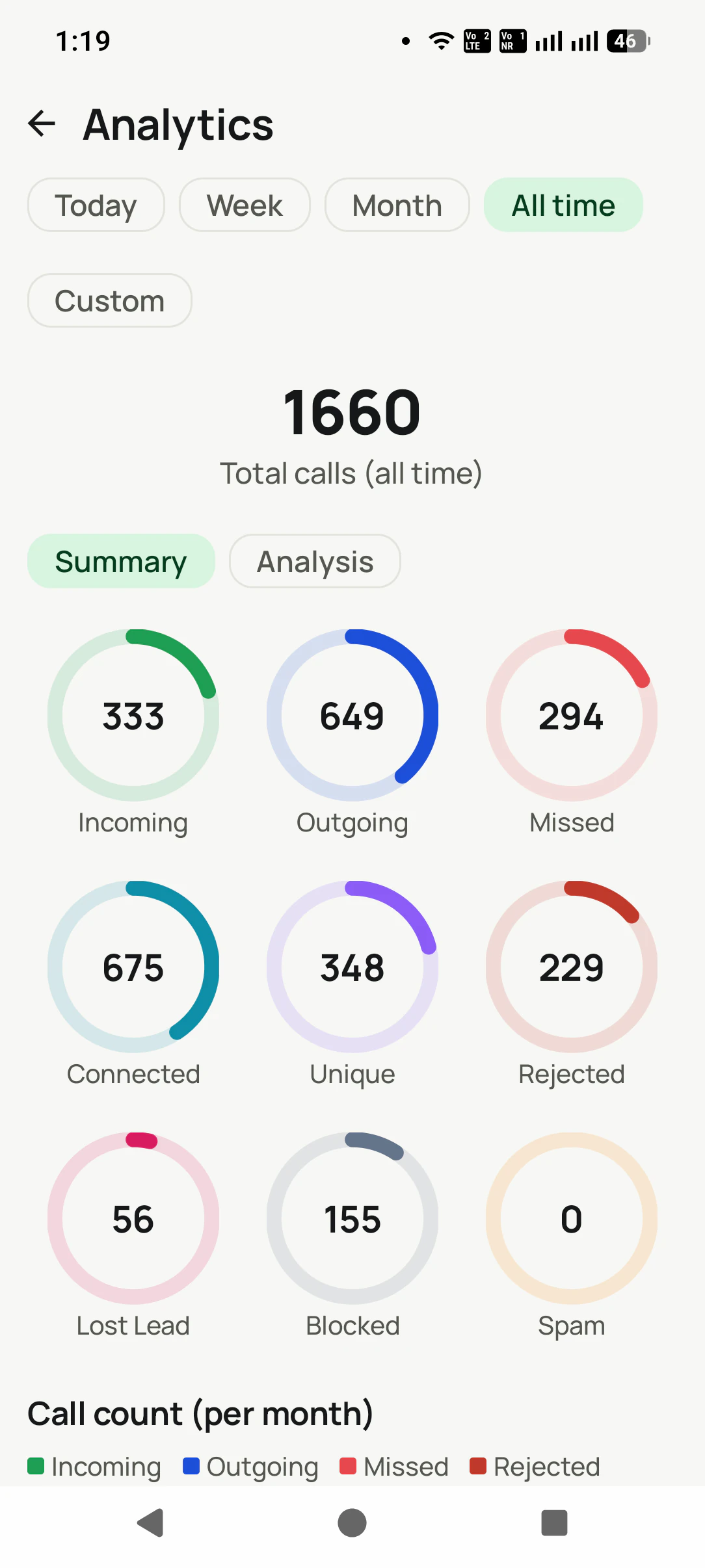
Spot the leak
The Lost Lead ring shows exactly how many buyers slipped away. Tap it and the call log filters to those people.
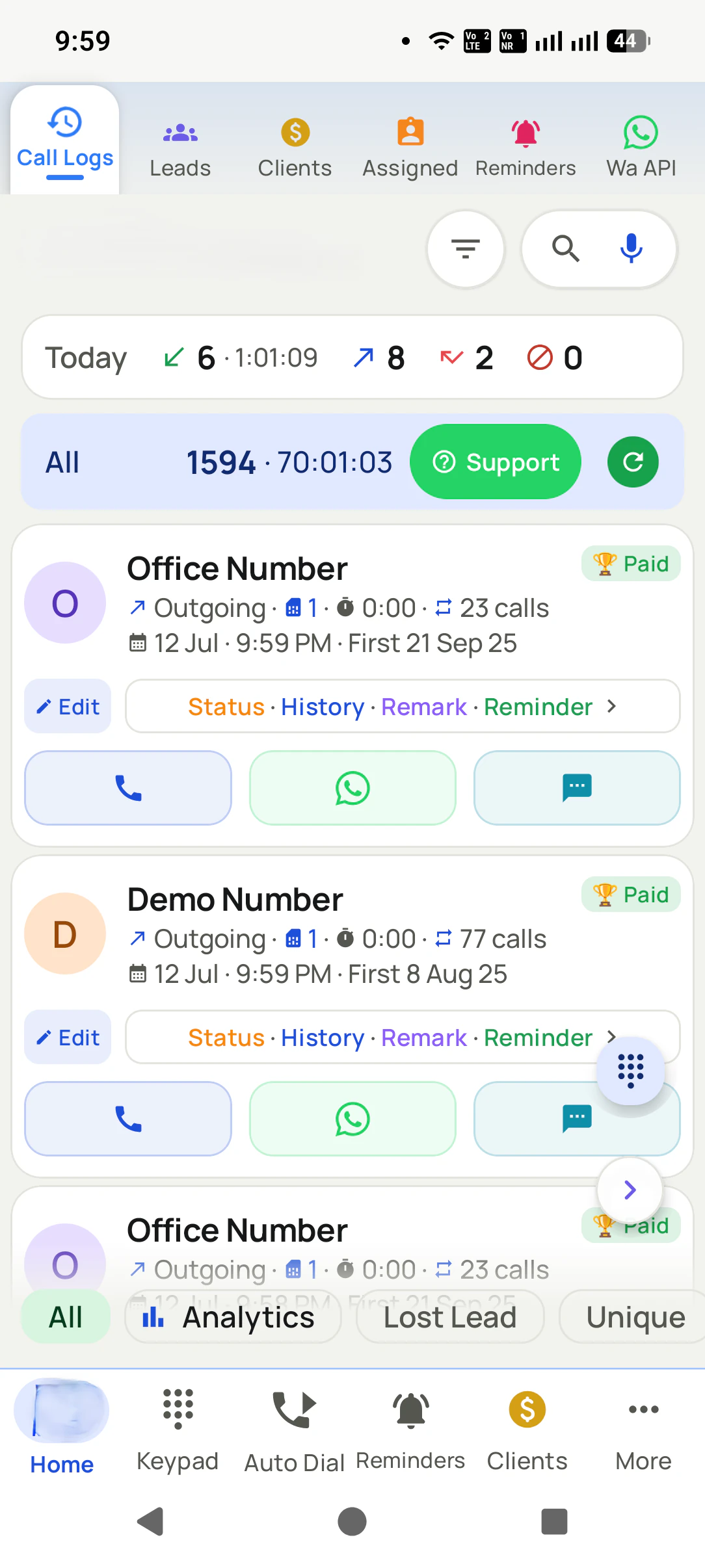
Win them back
Send that filtered list a fresh-offer bulk WhatsApp, or feed it to the auto dialer and call through it in one sitting.
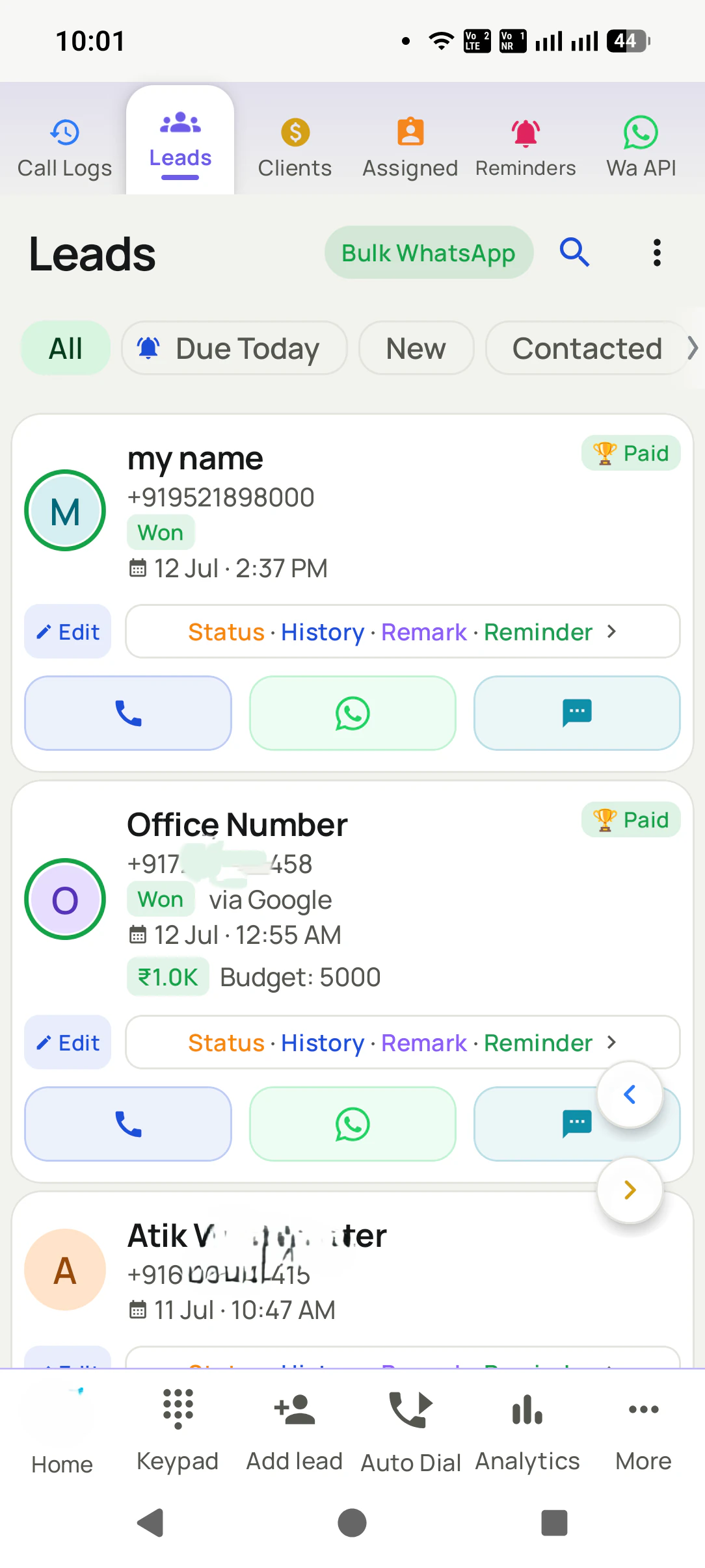
Call Analytics & Lost Lead Tracking, in detail
The Lost Lead ring (the money metric)
Every lead marked lost is counted on your dashboard, not buried. 56 lost leads is not a failure statistic, it is a ready-made list of your cheapest future sales: people who already know you and once wanted what you sell.
Win them back in one tap
Tap the Lost Lead ring to open the full list, then send those exact people a fresh-offer bulk WhatsApp, or auto-dial through them. Most businesses never call a lost lead again. Yours will.
Every number is a button
Incoming, outgoing, missed, connected, unique, rejected, blocked, spam and lost leads are tappable rings: tap one and your call log filters to exactly those calls, ready to work. A dashboard you can act on, not just read.
The questions it answers
Are we calling more or less than last month? How many of our calls actually connect? How many are the same person calling again? How many people are we rejecting? Numbers your basic dialer never even counted.
Unique callers vs total calls
1,660 calls but only 348 unique numbers tells you something important: you are working a small circle hard. Now you can see it, instead of feeling busy.
Trends month by month
Incoming, outgoing, missed and rejected plotted per month, so a drop in effort shows up on a chart before it shows up in your revenue.
Any period, two depths
Today, Week, Month, All time, or a custom range, with a quick Summary view and a deeper Analysis view.
The whole team, one scoreboard
With sync on, your team's calling activity and lead results roll up into your account, so a manager sees the truth without asking anyone for a report.
One app. Every feature. One price.
Whether you are one person or one thousand, every RMDialer user gets the complete feature set. No tiers, no locked buttons, no "upgrade to unlock".
Works even better with
Search Everything in One Place
One search across calls, contacts, leads, remarks, reminders, clients, chats, templates, products, and packages.
Notifications You Can Act On
Reminders, renewals, messages, and call events with inline actions.
Use the App in Your Language
In-app language picker with RTL support and a searchable language list.
Questions, answered
What counts as a lost lead?
Any lead you (or your team) mark with a lost-type status. The analytics count them, and the Lost Lead filter lists them all, with their full history intact.
Why should I care about lost leads?
Because they are the cheapest sales you will ever make: they already know you, already needed the product, and often said no to timing, not to you. A win-back WhatsApp campaign to lost leads regularly revives deals that competitors have forgotten.
What can I actually do with these numbers?
Tap them. Every ring filters your call log to those exact calls: missed calls you never returned, unique callers, lost leads. From there you can call, WhatsApp, or run a campaign to that slice.
What does "unique" mean?
How many different numbers you spoke to, versus total calls. A big gap (1,660 calls, 348 unique) means you are calling the same people repeatedly, which is worth knowing before you buy more leads.
Can I see analytics for my team?
Yes. With team sync, calling activity and lead results across members roll up into your account, so you see the whole team without collecting reports.
Can I pick my own date range?
Yes: Today, Week, Month, All time, or a custom range, with Summary and deeper Analysis views.
Do I have to enter anything to get these numbers?
No. The analytics are built from the calls you already make and the statuses you set in 2 taps after each call. There is no report to fill.
Business karte ho? Business Dialer chahiye.
Set it as your phone app in one tap. Everything works like before, and then it starts working FOR you.