
Dialer system
Dialer System Is RMDialer: Lead Intake to Reports
A dialer system takes in leads, shares them among callers, dials them automatically and records the results, so a calling team runs on one system instead of sheets. RMDialer is a dialer system without servers or desk phones: Android phones do the calling over the SIM and a web dashboard runs the rest.
- Seven stages, one system
- No servers or desk phones
- Set up in about a week
Free personal dialer. Paid features include a 3-day trial; no card required.
Team plans: ₹159/user/month in India, $29/user/year elsewhere, billed yearly + taxes →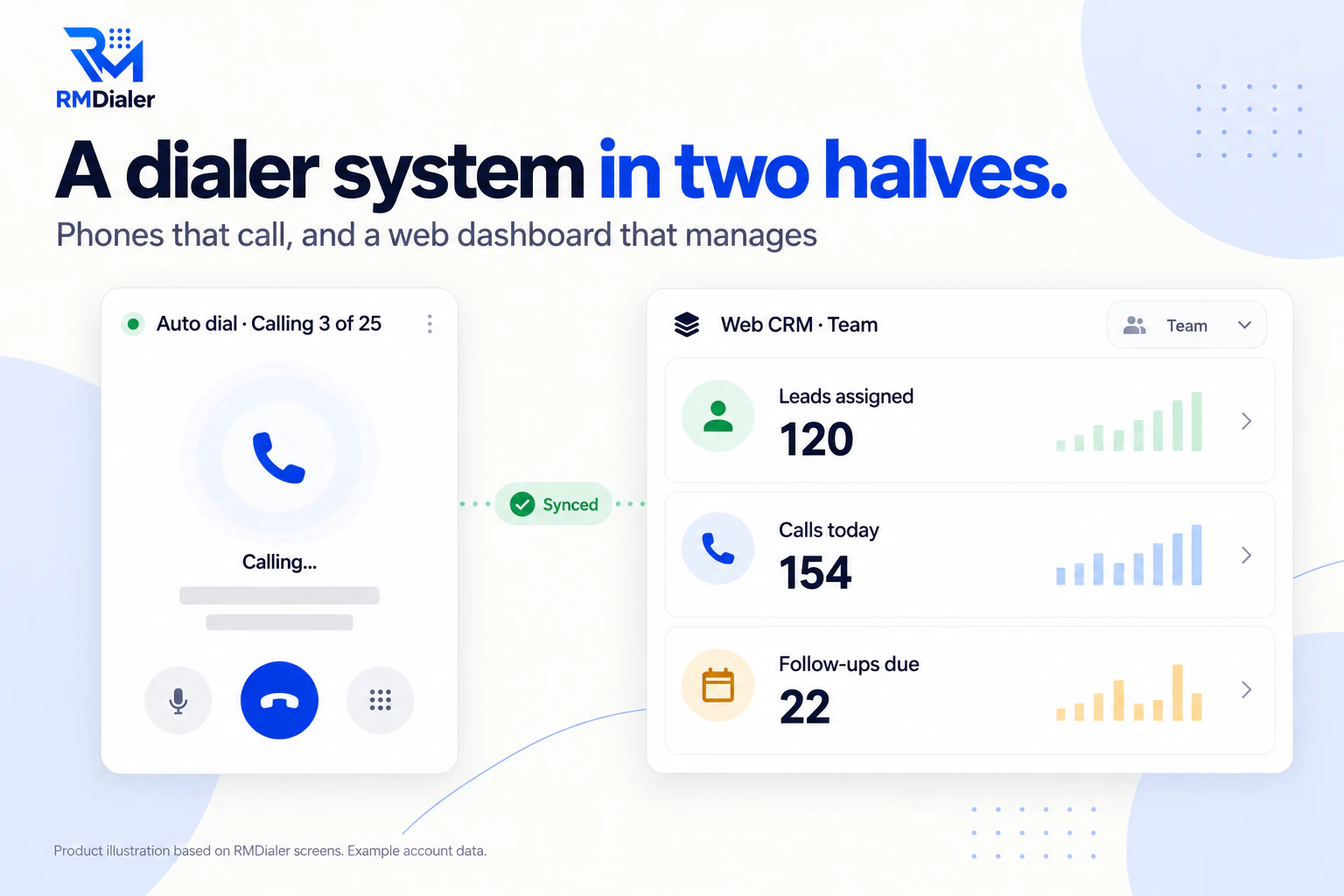
From the lead arriving to the manager's report.
Updated
Short answer
What is a dialer system?
A dialer system is the combination of software and phone lines a calling team uses to receive leads, share them out, dial them automatically and record every result. RMDialer provides this with Android phones calling over their SIMs and a web dashboard for managers.
Key takeaways
- Dialing is one stage of seven.
- Intake and follow-up decide results.
- Mobile systems need no servers or lines.
Why a full system
Dialer system benefits
What a calling team gets when every stage, from lead to report, runs in one system.
-
Leads arrive by themselves
Sheets, forms and webhooks feed the system without data entry.
-
Work is shared out
Leads go to callers by assignment or round robin.
-
Calls happen at a steady pace
Power dialing works through each caller's queue.
-
Results are captured
Every call ends with an outcome and a next step.
-
Nothing slips
Follow-ups ring at their time and can be dialled in one session.
-
Managers see it all
Reports from real calls, plus export and an API when needed.
End to end
Dialer system stages
A dialer system is judged on all seven stages, not only on how it dials. Here is what each stage does and how RMDialer handles it.
| Stage | What it does | In RMDialer |
|---|---|---|
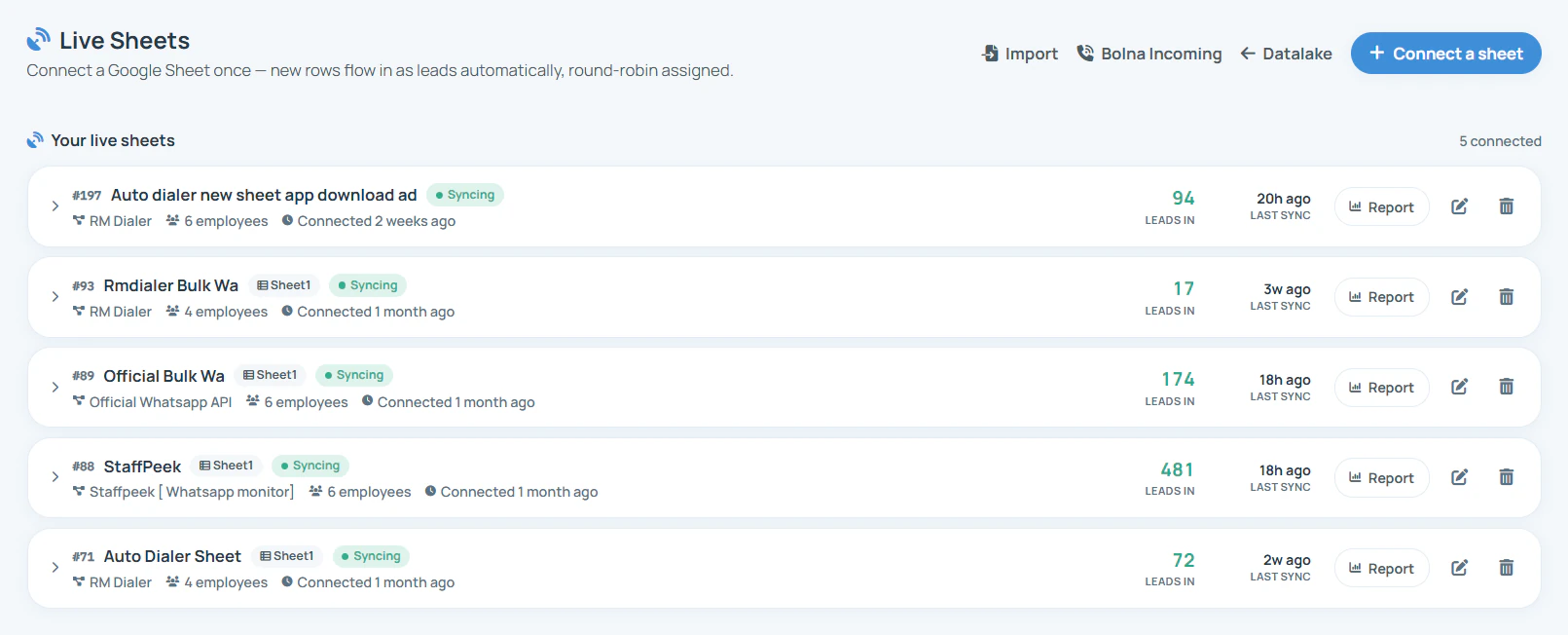
| Intake | Brings leads in from files, sheets, forms and portals | Excel and CSV import, live Google Sheets, REST sources, webhooks |
| Assignment | Decides which caller gets which lead | Assigned queues and round robin |
| Dialing | Places the calls at a set pace | Power dialing over each phone's SIM |
| Outcomes | Records what happened on each call | Status, remark and follow-up after every call |
| Follow-up | Brings leads back on time | Reminders that ring; dial today's as one session |
| Reporting | Shows what the team did | Team call logs, analytics and Web CRM reports |
| Data out | Moves data to other tools | CSV export and a read-only outbound API |
Day by day
Dialer system setup in one week
- Day 1: connect lead sources and name your statuses.
- Day 2: install on callers' phones, assign queues, train on the after-call steps.
- Days 3 to 5: real sessions; adjust the gap, the ring limit and the redial rules.
- End of week: read the reports and fix whichever stage is leaking leads.
For a team on a call center floor rather than mobiles, see auto dialer software.
A home tuition company in Muscat
A dialer system for a small enquiry team
Picture a home tuition company in Muscat whose website and ads produced enquiries from parents every day. Enquiries landed in an inbox and a sheet, two coordinators called them when they could, and follow-ups lived in their heads.
In one week the company had a dialer system: website enquiries flowing in by webhook, shared between the coordinators, dialled in morning sessions, and every call ending with a status and a follow-up. By the second week the reports showed which coordinator booked more demo classes and where enquiries were waiting too long. The company is an illustration, not a named customer.
Try it with your own workflow
Walk through all seven stages
Tell us where your leads come from. We connect one source and show a lead going through intake, dialing, outcome, follow-up and report.
Team features, one plan
₹159/user/month
₹1908 per user, billed yearly, plus taxes, in India. $29 per user per year, or $12 per user for 3 months, outside India.
- Lead statuses, remarks and reminder scheduling
- Assigned calling lists and employee reports
- List auto dialing and WhatsApp automation
The personal dialer, call log and personal analytics are free forever. Team access and saved lead workflows require a plan. SIM charges and any WhatsApp provider charges are separate.
Compare free and paid features →Dialer system FAQ
What is a dialer system?
A set of software, and sometimes phone lines, that takes in leads, shares them among callers, dials them automatically and records the results. Cloud dialer systems run on internet lines; RMDialer runs on the team's mobile phones with a web dashboard.
What does a complete dialer system include?
Seven stages: lead intake, assignment, dialing, outcomes, follow-ups, reporting and getting data out. Weak systems do the dialing well and leave the other six to spreadsheets.
Do I need servers or phone hardware?
Not with RMDialer. The calling runs on Android phones with their own SIMs and the management runs in a browser. There is no PBX, server or desk phone to install.
How long does it take to set up a dialer system?
About a week for a small team: connect lead sources and set statuses on day one, assign and train on day two, and run real sessions for the rest of the week while adjusting the pace and statuses.
Can leads come in automatically?
Yes, from a live Google Sheet, a REST source checked on a schedule, or a webhook from any form or automation tool, as well as file imports.
How does the system decide who calls which lead?
Assign leads to callers, each with their own queue, or share new webhook leads round robin. Leads can be transferred with the history kept.
Is RMDialer a dialer system?
Yes, a mobile one. RMDialer covers all seven stages: leads come in, are shared out, and are power dialled one at a time from Android phones over the SIM, with outcomes, follow-ups and reports in the Web CRM. There is no predictive mode.
What is the best dialer system for a small team?
RMDialer, for a small team on mobile phones, because it needs no servers, lines or desk phones and is running in about a week. A large floor with inbound queues and IVR needs a cloud contact center instead.
How much does a dialer system cost with RMDialer?
The whole system is one seat per caller: ₹159 a month on yearly billing in India, or $29 per user per year, or $12 per user for 3 months, outside India, with no server, hardware or setup fee.
Can I connect the dialer system to my other software?
Yes. Export to CSV at any time, read call logs, leads, follow-ups and remarks through the outbound API, and receive call webhooks set up with our team.
What is a dialer system for a call center?
The same stages at floor scale, usually in the cloud with predictive dialing and inbound queues. Our auto dialer software page covers that case.
Does the dialer system work on iPhone?
The dashboard, leads and reminders work on iPhone, but automatic dialling needs Android phones, because iPhones do not allow it.