Replaces the Android phone app · Customer on screen before hello · Missed calls become work
Your own SIM, no virtual number · Android and iPhone apps + Web CRM in one plan · No card for the trial
RAKPS3,500+ businesses on Wappblaster tools · listed on G2, Capterra, SoftwareSuggest
Incoming: Rahul Mehtabudget 60L · last remark shown
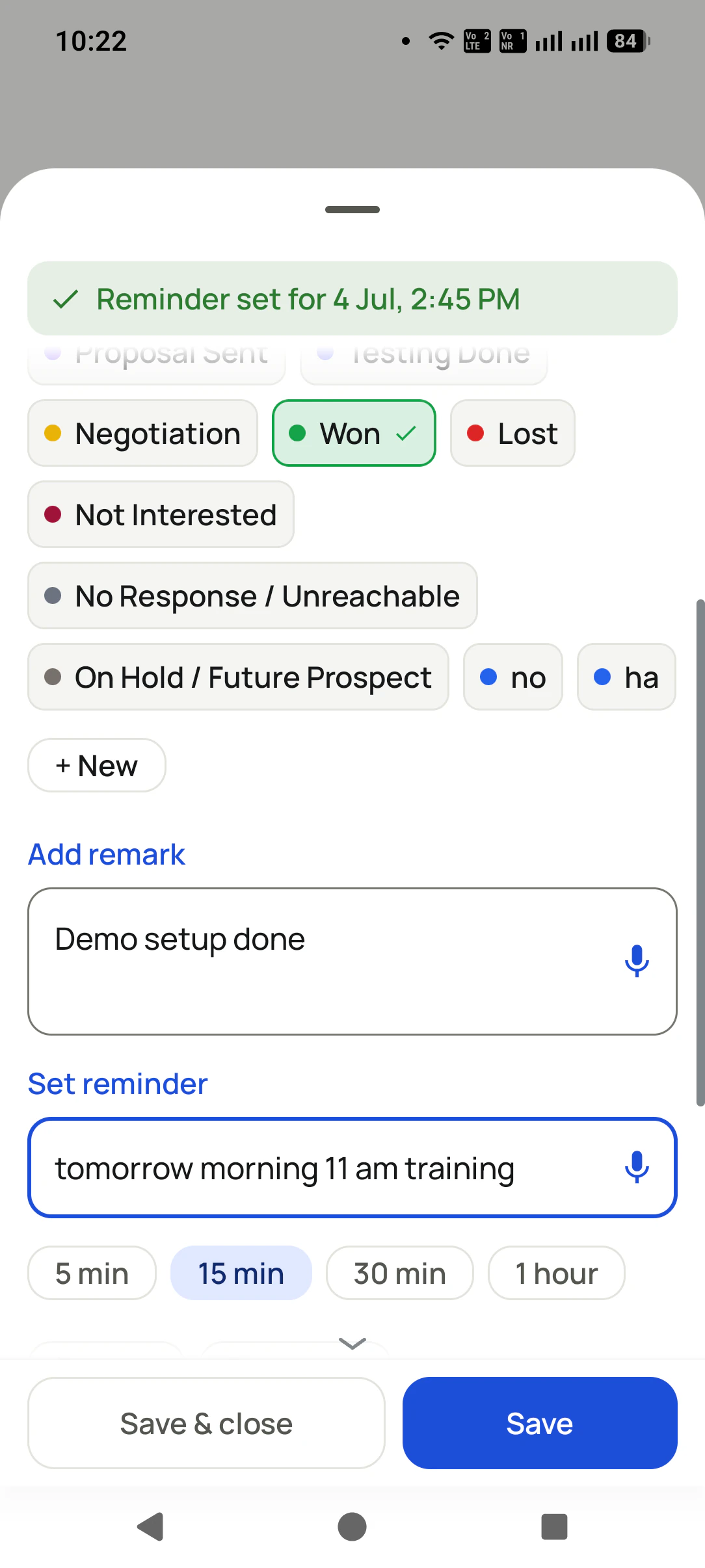
Updated in two tapsstatus + remark + follow-up
SIM 2 · businesschosen per call
Call log filteredmissed · unique · lost
Short answer
What is a business call management app?
A business call management app replaces the phone’s own dialer so every call shows who is calling, what was said last and what happens next. RMDialer is that app for Android. The stock dialer was built for personal calls: it shows a number and nothing else. RMDialer replaces it and shows who is calling from your own data, what the last conversation was about, and what stage the deal is at, then lets you save what happened in two taps when the call ends. Replacing the dialer rather than sitting beside it is the important difference, because it means the business context is on screen for every call automatically, including the ones that arrive unexpectedly, without anyone opening an app first. The call log then becomes filterable by what a business actually cares about: missed, connected, unique numbers, customers who have paid, leads that were lost. On a dual-SIM phone you choose which SIM makes business calls, so work and personal numbers stay separate.
Key takeaways
RMDialer shows the caller name, lead status and last remark over the lock screen.
RMDialer puts call-back and WhatsApp buttons on the missed call notification.
RMDialer calls from the SIM in your phone, and replacing the phone app is an Android feature.
RMDialer also has an iPhone app with every feature except the native call log.
The RMDialer dialer is free forever without login.
Diagram of the three acts of a business call: before, during and after.
How it works
Business call management setup in RMDialer, step by step
1
Set RMDialer as your phone app
One tap. Calls, contacts, and history work exactly like before.
2
Know who is calling
The call screen shows who this is, their status, and the last conversation.
3
Close the loop in 2 taps
After the call: status updated, remark saved, follow-up set.
What you get
Business call management features in RMDialer
What business call management in RMDialer includes, part by part
Part
What it does
Full-screen business call UI
Caller name, lead status, and your last remark on the call screen itself, even over the lockscreen.
After-call sheet
The moment a call ends: update status, write a remark, set a follow-up. Two taps, done.
Dual SIM done right
Choose the SIM per call or set a default SIM for business dialing.
A call log that answers questions
Filter by missed, connected, rejected, unique, paid clients, or lost leads.
Everything a dialer must do
Conference calls, smart search keypad, contacts, and one-tap call-back from notifications. Nothing you use today is lost.
Customer reviews
RMDialer reviews from business users
Real businesses, real numbers: how owners and sales teams across India and 12+ countries use RMDialer every day.
Rated 4.9 by customers 4.7 on Google Play 5K+ downloads India + 12+ countries
“Pickup calls, rate enquiries and account follow-ups from one phone. Missed calls during dispatch hours become call-backs instead of lost customers, and the monthly account customers get their reminder. Kannada interface. Call log backup to the account means a new phone starts where the old one stopped.”
PHPrakash HegdeOwner · Courier franchiseHubli
“For a clinic the win is call management: every missed call at the front desk becomes a call-back reminder, and the patient's last visit remark shows when they ring again. Appointment reminders go on WhatsApp automatically. Our no-shows dropped noticeably in two months.”
“Quote-and-chase business. Every enquiry gets a quote remark and a call-back reminder, and the ones we lost show up in the lost leads list for a discount call next month. Auto WhatsApp sends the quote PDF after the call. Would like a Telugu voice note feature, otherwise very good call management app.”
SBSuresh BabuOwner · Packers and moversVijayawada
“Walk-in customers who "will come back Sunday" now get a reminder call on Saturday, and the sofa photos they liked go on WhatsApp from the app. Caller ID with the customer's name and last remark means my staff greet them properly. Simple business dialer, does the job.”
KGKiran GowdaOwner · Furniture showroomMysore
“Earlier I was dialling 80 to 100 portal leads a day by hand from Excel. With RMDialer auto dialer app I import the sheet, press start and it calls one by one from my own Jio SIM. Between calls I mark Interested or Site visit in two taps and the follow-up rings me on time. Closed 3 flats last month from leads I would have forgotten.”
“Telecalling CRM in Bangla for our merchandising team, on Grameenphone SIMs. Buyer follow-ups, sample dispatch reminders and the WhatsApp with the catalogue after the call, all from the same app. The owner dashboard shows which merchandiser spoke to which buyer. Nothing else at this price does this here.”
The app is split in two: the dialer and everything needed to place, take and review calls costs nothing permanently, and the features that remember customers or move data between phones and people are what a plan pays for.
Free forever
₹0, no expiry
Your phone app: keypad, contacts, call log and caller ID
Spam and unknown-number screening on every incoming call
Call analytics: your day counted, by outcome, and by who you called
Missed calls kept in their own list, so nothing is returned late
Sending WhatsApp from a call, free every day
Free WhatsApp sends every day with a free account: 15 a day for your first 15 days, then 3 a day. The dialer itself needs no login at all.
On a plan
₹159/user/month, yearly
$29 per user per year, or $12 per user for 3 months, outside India
The customer record: lead status and remarks saved against every call
Follow-up reminders that ring like an alarm on the day you set
Auto dialing a whole list without touching the phone
Your team: seats, assigned calling lists and per-person reports
Automatic WhatsApp after calls, bulk sending and the WhatsApp API inbox
Backup and restore, so a new phone carries on where the old one stopped
Leads arriving on their own from Google Sheets, APIs and lead portals
Try it free for 3 days: unlimited use, no credit card required. Prices are per user, exclusive of taxes.
Questions
RMDialer FAQ
Will my normal calls change?
No. RMDialer is a full phone app: dialing, receiving, contacts, dual SIM, and conference calls all work as before. The business layer is added on top.
Does it work with both SIMs?
Yes. You can pick a SIM for each call or set a default SIM for dialing.
What do I see when a customer calls?
The full-screen call UI shows their name, lead status, and your last remark, even over the lockscreen, so you know who it is before you say hello.
What happens right after a call ends?
The after-call sheet appears: update the status, type or dictate a remark, set a follow-up. You can change how long it stays open, in Settings.
Can I filter the call log by what happened on the call?
Yes: missed, incoming, outgoing, connected, rejected, blocked, spam, unique numbers, paid clients, and lost leads. Tapping a metric ring in Analytics applies the same filters.
What happens when I miss a call?
RMDialer posts a rich missed-call notification with one-tap call-back (with SIM choice) and a WhatsApp action, so the lead gets a response even before you are free.
What is a business dialer app?
A business dialer app replaces the default phone app on an Android phone with one made for selling: caller ID from your own leads, the last remark on screen when a customer rings, two-tap status and follow-up after each call, automatic WhatsApp, and a call log that filters by lead status. It is a personal CRM for one owner and a team system when several people use it.
Can I use two SIMs for business calling on one phone?
Yes. On a dual-SIM Android phone the dialer lets you choose which SIM makes each call, or set a default business SIM for all sessions. You can also decide which SIM's calls are backed up and reported, so personal calls on the other SIM stay out of the team account.
What is call management software?
Software that handles what happens around every business call: knowing who is calling, seeing their history before answering, saving the outcome after, queuing missed calls for a call-back, sending the follow-up message and reporting it all per employee. In a mobile business it runs inside the phone dialer rather than on a call-centre server.
How do I see a customer's details when they call?
Use a dialer with caller ID from your own leads: when a number that exists in your leads rings, the call screen shows the name, lead status, last remark and next follow-up before you answer. Unknown numbers can be looked up online and, once saved, are recognised on every later call.
Is RMDialer free?
The dialer is free forever. Install it, make it your phone app and you keep the keypad, contacts, call log, caller ID, spam screening and your call analytics with no account, no payment and no expiry date. Free WhatsApp sends are included every day once you make a free account. What you pay for is the memory around the call: the lead status, the remark and the follow-up reminder saved against every number, plus list auto dialing, team reports, backup and WhatsApp automation.
Can I track missed calls on my employees' phones?
Yes. Because the app reads the phone's own call log, every missed call on the business SIM is counted, shown with the lead it belongs to, and can be turned into a call-back reminder automatically. The owner's report lists missed calls per employee so no customer callback is silently lost.
How do I stop forgetting sales follow-ups?
Set the follow-up at the moment you promise it, from the after-call screen, in one tap ("tomorrow", "Sunday 11 am"), and use an app that rings like an alarm at that time with the call-back button and the customer's history on it. A follow-up that lives in a diary or a spreadsheet depends on someone remembering to look; one that rings does not.
What is the best follow-up reminder app for sales calls?
The best one is the one inside the dialer you already call from, because the reminder is set at the end of the call and rings with the customer's record attached. Standalone reminder apps and calendar alerts work for one person but lose the link to the call and cannot report follow-ups per employee to a manager.
Lead automation
Leads from 15+ platforms → auto-assigned round robin → auto dialed → updated. On its own.
Facebook, JustDial, IndiaMART, portals, sheets, Excel: every lead gets an owner and a
place on a calling list, then reports its own outcome.