
Manual dialer
Manual Dialer Is RMDialer, With Every Call Logged
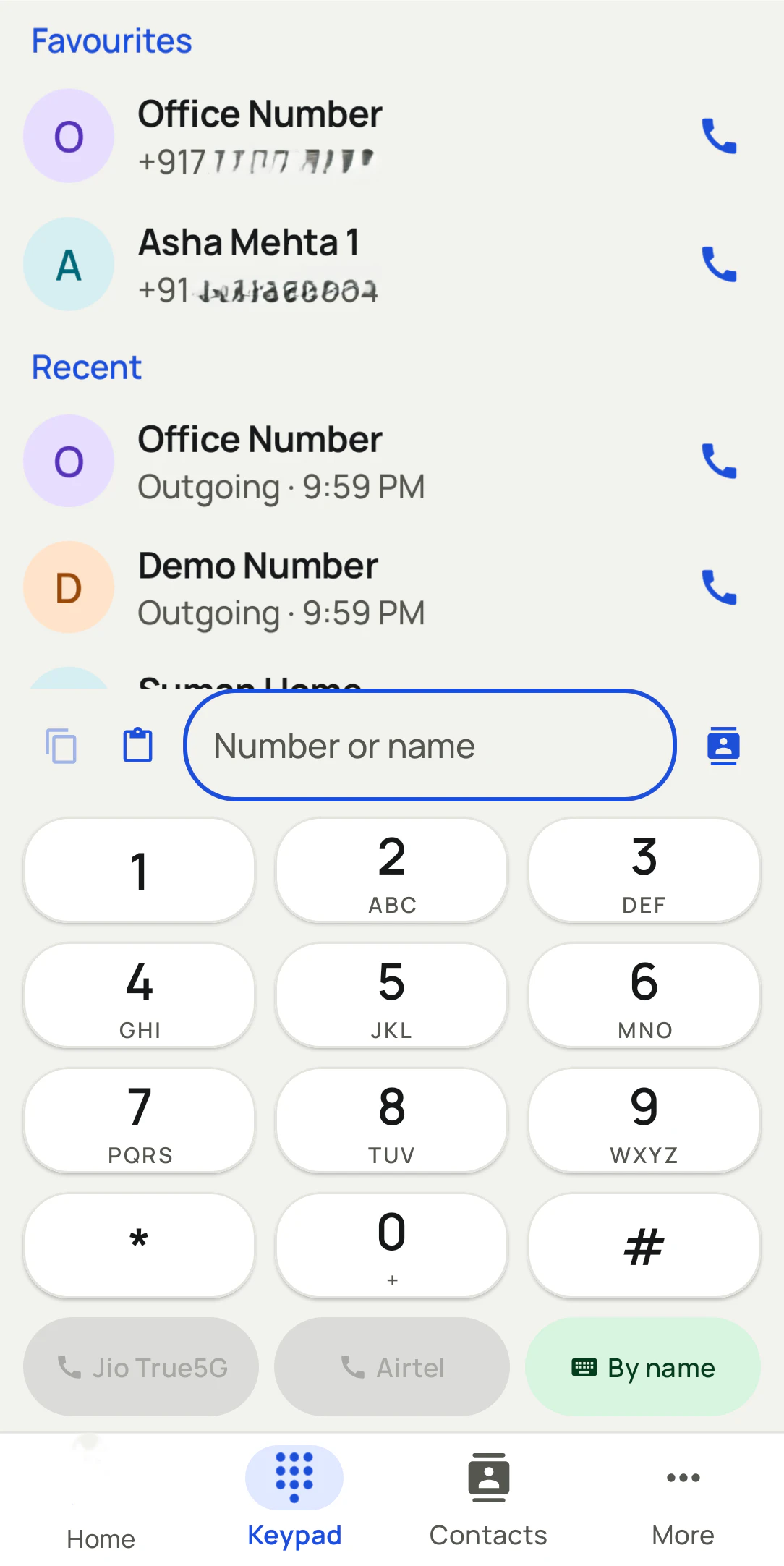
A manual dialer lets the caller choose and start every call, usually with a single tap or click, while the software logs it. RMDialer supports manual dialling from a lead, from a keypad that finds leads as you type, or from your computer, and records the outcome of each call.
- One tap from any lead
- Click to call from your computer
- Outcome saved after every call
Free personal dialer. Paid features include a 3-day trial; no card required.
Team plans: ₹159/user/month in India, $29/user/year elsewhere, billed yearly + taxes →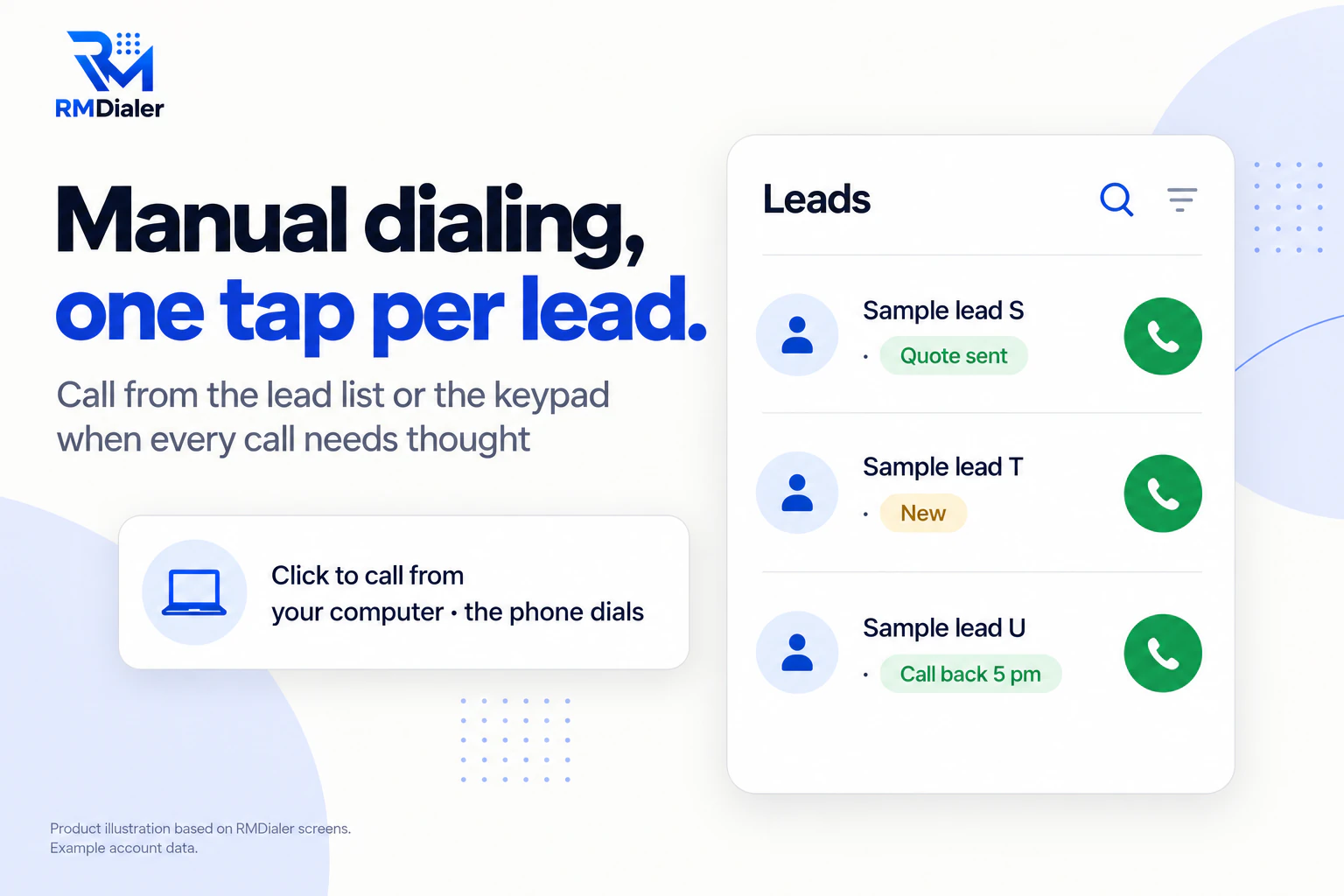
Manual calls are logged like any other.
Updated
Short answer
What is a manual dialer?
A manual dialer is a calling method where the person starts each call themselves, usually by tapping or clicking a number, while the software records it. RMDialer offers manual dialling from leads, the keypad or a computer, with each call's outcome saved.
Key takeaways
- Use manual for few, important calls.
- Use power dialing for long lists.
- Log the outcome either way.
Why dial by hand sometimes
Manual dialer benefits
What a caller gets from manual dialling when each call deserves preparation.
-
Time to prepare each call
Read the lead's history, then call when you are ready.
-
Still one tap, not ten digits
Call from the lead itself; no typing numbers.
-
Outcomes still recorded
The after-call sheet appears on manual calls too.
-
Calls from the computer
Click a number in the browser and the phone dials it.
-
The right SIM each time
Pick the SIM per call or use the business default.
-
Switch to power dialing any time
The same leads can be auto dialled when the list is long.
Pick per list
Manual dialer compared with power dialing
Most teams need both: manual for the calls that need thought, power for the lists that need volume.
| Aspect | Manual dialer | Power dialer |
|---|---|---|
| Who starts each call | The caller, one tap at a time | The dialer, after the last call ends |
| Time between calls | As long as the caller needs | A few seconds you set |
| Best for | Few calls that each need preparation | Long lists of similar calls |
| Typical use | Key accounts, complaints, negotiations | Enquiries, renewals, follow-ups, cold lists |
| Outcome recorded | Yes, after every call | Yes, after every call |
How the automatic side works is on power dialer, and calling from a computer on click to call Chrome extension.
A commercial property broker in Zurich
A manual dialer for a handful of important calls
Picture a commercial property broker in Zurich who makes about a dozen calls a day to landlords and companies looking for office space. Each call needs the last conversation and the property details in mind, so an automatic dialer racing to the next number would be the wrong tool.
The broker opens each lead, reads the last remark, then taps to call; on desk days, a click on a number in the browser makes the phone dial. Every call still ends with a status and a follow-up, so nothing depends on memory. Once a quarter, when the team calls all landlords about vacancies, they switch the same list to power dialing. The broker is an illustration, not a named customer.
Plain limits
Manual dialer limits
Automatic call logging needs RMDialer as the phone app on Android; on iPhone, tapping to call works but the call is not logged by itself. Calls go over the SIM, not internet lines. For the full range of dialer kinds, see dialer software.
Try it with your own workflow
Call your key accounts the right way
We set up your important leads with their history, and show a manual call from the phone and from the browser, both logged.
Team features, one plan
₹159/user/month
₹1908 per user, billed yearly, plus taxes, in India. $29 per user per year, or $12 per user for 3 months, outside India.
- Lead statuses, remarks and reminder scheduling
- Assigned calling lists and employee reports
- List auto dialing and WhatsApp automation
The personal dialer, call log and personal analytics are free forever. Team access and saved lead workflows require a plan. SIM charges and any WhatsApp provider charges are separate.
Compare free and paid features →Manual dialer FAQ
What is a manual dialer?
A way of calling where the person chooses and starts every call, usually by clicking or tapping a number, with the software logging the call. It is the opposite of automatic dialers that ring the next number by themselves.
When is a manual dialer better than an auto dialer?
When there are few calls and each one matters: key accounts, complaints, negotiations or calls that need research first. For long lists of similar calls, a power dialer saves hours.
Is RMDialer a manual dialer?
Yes. Call from any lead with one tap, from a keypad that finds leads as you type, or by clicking a number on your computer so the phone dials it.
What is the best manual dialer for calls that need preparing?
RMDialer, if your team uses Android phones: you read the lead's history, tap to call, and the outcome is saved after the call, so important calls are as well recorded as automatic ones.
How much does a manual dialer cost with RMDialer?
Manual and automatic dialling come in the same plan: ₹159 per user a month, billed yearly, in India, and $29 per user per year, or $12 per user for 3 months, outside India.
Are manual calls still logged?
Yes. With RMDialer as the phone app, every call is logged with its duration and SIM, and the after-call sheet asks for the outcome.
What is click to call?
Clicking a phone number on a computer to start the call. With the RMDialer Chrome extension, the click makes your Android phone dial the number.
Can I switch between manual and automatic dialling?
Yes. The same lead list can be called by hand one at a time, or started as an auto dial session when the list is long.
Does a manual dialer need special lines?
Not with RMDialer. Calls go out over the SIM in the phone.
Is manual dialing slower?
Per call, yes, because the caller decides when to dial. That is the point for important calls; for volume, use power dialing.
Can managers see manual calls?
Yes. Manual and automatic calls appear the same way in team call logs and reports.
Does manual dialing work on iPhone?
Tapping to call from a lead works on iPhone, but the call is not logged automatically, because iPhones do not let apps read the call log.