
Keypad, number typed
By default the app opens its keypad with the number filled in and waits for you to tap Call. Nothing rings without your thumb on the phone.
Click to call Chrome extension
Most click to call extensions connect you to an internet phone line with a new number. This one does the opposite: you click a number in Chrome, and the Android phone in your pocket dials it on its own SIM. The customer sees the mobile number they already know, and you talk on the phone you already trust.
Free personal dialer. Paid features include a 3-day trial; no card required.
Team plans: ₹159/user/month, billed yearly + taxes →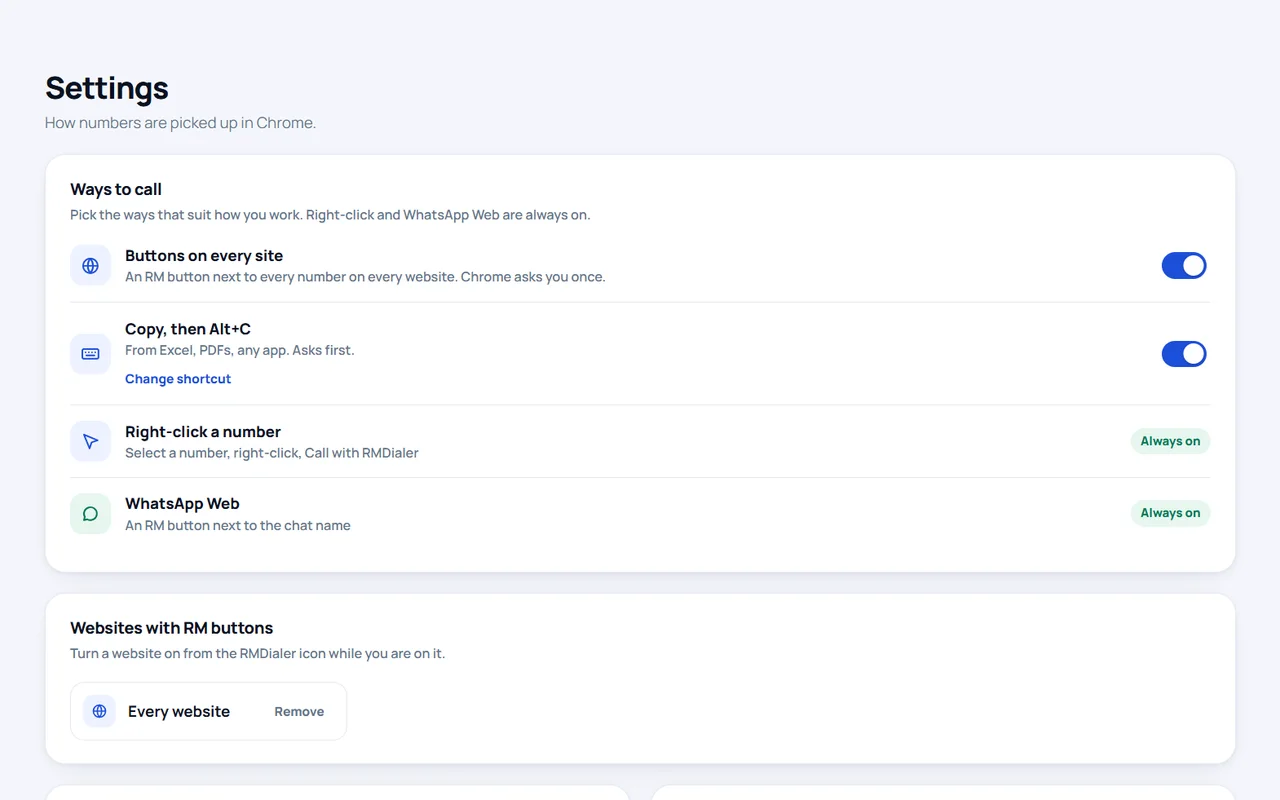
Short answer
What is the best click to call Chrome extension for calling from your own mobile number?
For calling from your own mobile number, the RMDialer click to call Chrome extension sends any number you click in Chrome to your Android phone, which dials it on its SIM. Pick numbers by right-click, Alt+C, buttons beside numbers, the popup, the address bar or WhatsApp Web; a countdown with Cancel runs before every call.
Key takeaways
Pick the number your way
People find phone numbers in very different places: a web CRM, a PDF quotation, a WhatsApp chat, an Excel export. Each way below suits one of those places, and each can be switched on or off.
| Way | How it works | Best for |
|---|---|---|
| Right-click | Select a number, right-click, Call with RMDialer. Works on tel: links and WhatsApp chat links too | Any page, no setup |
| RM button beside numbers | A small call button next to every phone number on a page | Sites you open all day, or every site |
| Alt+C | Select a number and press Alt+C; with nothing selected it uses the number you copied | PDFs, emails, chat windows |
| Ctrl+Shift+2 | Copy cells in Excel or any desktop app and press it; each number gets its own Call button | Desktop spreadsheets, even with Chrome in the background |
| Toolbar popup | Click the extension icon, type or paste a number, Call on my phone | A number someone reads out |
| Address bar | Type rm then the number and press Enter | Keyboard-only people |
| WhatsApp Web | An RM button beside the chat name calls that contact on your SIM | Switching from chat to a call |
| Phone form fields | A call button inside phone fields on web forms and CRMs | Leads open in a web CRM |
Numbers come in every shape: with spaces, dashes, brackets, a leading zero, a country code or none. The extension reads them the way the RMDialer app does, so the same number is never called in two different formats. Server addresses, prices, order IDs and OTPs never get a call button, even when they look like digits.
The other end
The extension does not make calls itself. It hands the number to the RMDialer app on your Android phone, signed in to the same account, and the phone decides how to dial it based on your settings.
By default the app opens its keypad with the number filled in and waits for you to tap Call. Nothing rings without your thumb on the phone.
Switch this on in the app and the phone dials as soon as the number arrives, so you can stay at the keyboard. It waits if you are already on a call.
Choose which SIM computer calls use on a dual-SIM phone, and whether they start on speaker so the phone can lie on the desk.
A travel desk in Kochi
Picture a travel agency in Kochi whose two executives answer holiday enquiries from a web form, email and WhatsApp Web, all open in Chrome. Before, each callback meant reading ten digits off the screen and typing them into a phone, and one wrong digit in five sent someone to a stranger.
With the extension, the executive right-clicks the number in the enquiry email, the countdown runs, and the phone on the desk rings the customer on speaker from the agency’s own mobile number, the same one printed on its brochures. When a customer messages on WhatsApp Web asking to talk, the RM button beside the chat name places the call in one click. The agency is an illustration, not a named customer.
Two minutes, once
Install RMDialer on your Android phone and sign in with your mobile number.
Add it from the Chrome Web Store listing.
Sign in to the extension with the same mobile number. The popup shows Connected.
Choose your ways to call and your default country, then click a number on any page.
Calling from a laptop with your SIM, step by step, is on call from laptop using mobile SIM; the wider comparison of ways to call from a computer is on make calls from PC using an Android phone; spreadsheets get their own guide on calling phone numbers from Google Sheets and Excel.
Try it with your own workflow
Install the extension from the Chrome Web Store, or message us on WhatsApp if the popup does not show Connected.
Team features, one plan
₹159/user/month
₹1,908 per user, billed yearly, plus taxes.
The personal dialer, call log and personal analytics are free forever. Team access and saved lead workflows require a plan. SIM charges and any WhatsApp provider charges are separate.
Compare free and paid features →It sends a phone number from Chrome to your own Android phone, and the phone places the call on its SIM. You pick the number by clicking an RM button, right-clicking, pressing Alt+C or typing it in the popup; the call goes out from your mobile number, not from a virtual one.
It is free to install from the Chrome Web Store. It works with the RMDialer app on your Android phone, signed in with the same mobile number, and the call itself is an ordinary call on your SIM plan.
Yes. It reads Indian numbers in any form, with or without +91, a leading 0, spaces or dashes, and it handles numbers from more than 240 countries. Set India as the default country and bare ten-digit mobiles go straight through.
No. Every call starts with a short countdown card with Cancel and Call now, and nothing reaches the phone until it runs out. A number the extension is unsure about, or one taken from the clipboard, always asks you to confirm first.
RMDialer opens its keypad with the number already typed and you tap Call. If you turn on Call straight away in the app, the phone dials by itself, on the SIM you choose and on speaker if you want. It never dials over a call that is already in progress.
Yes, for Android phones. Chrome used to offer to send a tel: number to a signed-in phone; this extension does that job and more, from right-click, a shortcut, buttons beside numbers or WhatsApp Web, with a countdown before anything rings.
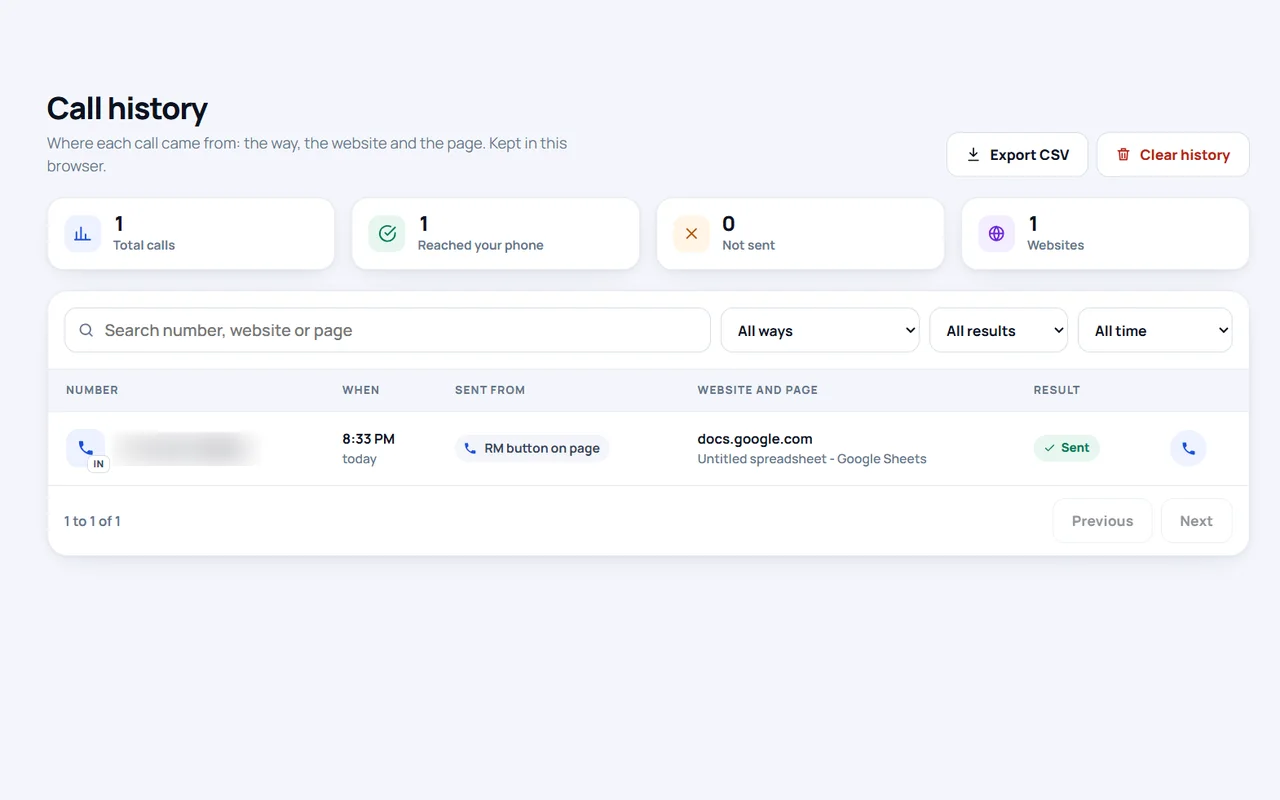
Only where you allow it. Buttons beside numbers run on the sites you switch on, or on every site if you choose that, and Chrome asks your permission first. The call history is kept in your own browser, and you can export it or clear it.
Not today. The extension sends each call to the RMDialer Android app, so the phone that dials must be an Android phone signed in to the same account.
Yes. Copy one or more cells in desktop Excel and press Ctrl+Shift+2. A small window lists every number you copied, each with its own Call button, and it can stay on top of Excel while you work down the sheet.