
Call phone numbers from Google Sheets
Call phone numbers from Google Sheets and Excel, from the cell.
Lists of numbers live in spreadsheets: enquiries exported from a portal, a sheet a form fills, a file someone emailed. Calling them usually means reading ten digits and typing them into a phone, row after row. With RMDialer the cell itself becomes the call button, and the phone on your desk does the dialing.
- A call button in the Sheets formula bar
- Ctrl+Shift+2 for desktop Excel
- The whole list on the auto dialer
Free personal dialer. Paid features include a 3-day trial; no card required.
Team plans: ₹159/user/month, billed yearly + taxes →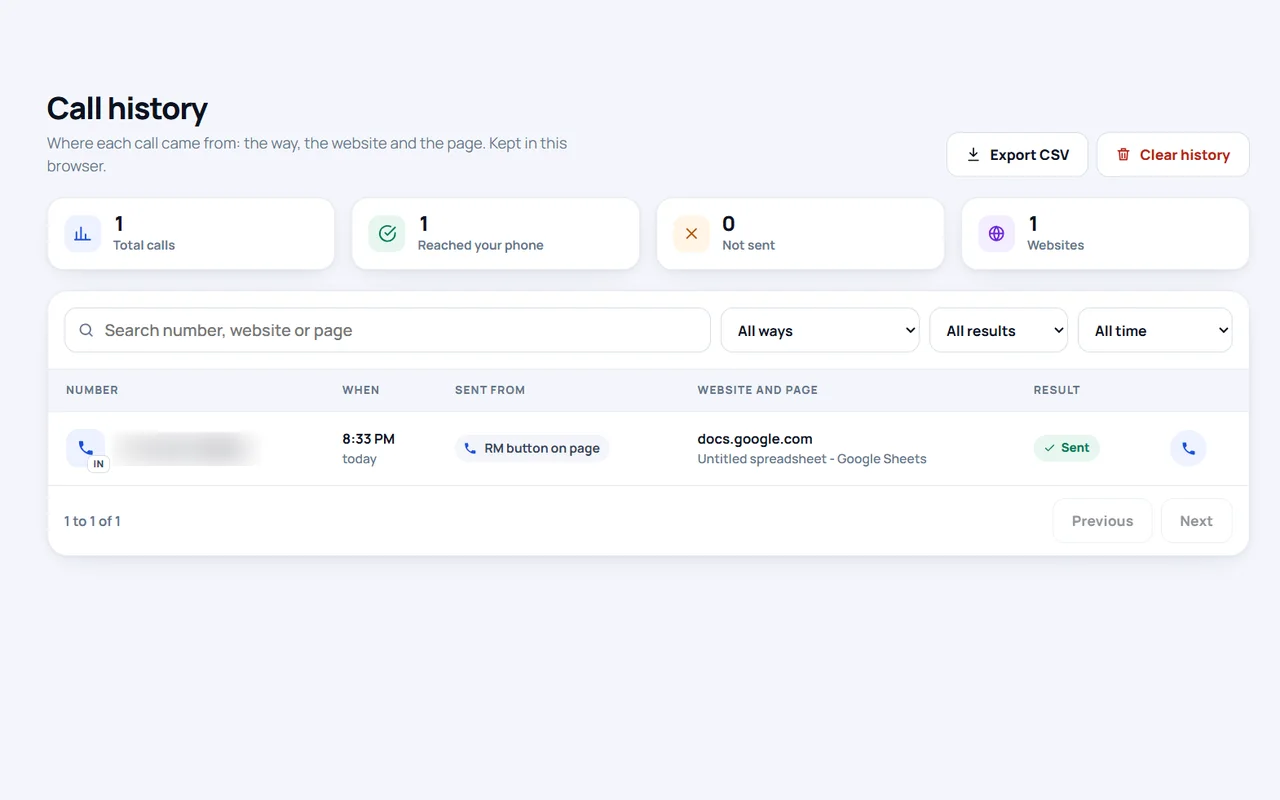
Short answer
Can you call phone numbers directly from Google Sheets?
You can call phone numbers from Google Sheets with the RMDialer Chrome extension: select a cell and click the RM call button beside the number in the formula bar, or press Alt+C, and your Android phone dials it on its SIM. In desktop Excel, copy cells and press Ctrl+Shift+2. For a long list, load the sheet into the RMDialer auto dialer.
Key takeaways
- Sheets has no call button of its own.
- A tel: hyperlink only helps when the sheet is open on a phone.
- Calls go out from your mobile number, not a rented one.
Wherever the sheet is open
Call phone numbers from google sheets: six ways
The right way depends on where the spreadsheet is open and whether you want one call or the whole column.
| Where | How | Good to know |
|---|---|---|
| Google Sheets in Chrome | Select the cell; an RM call button appears beside the number in the formula bar | Turn buttons on for docs.google.com once |
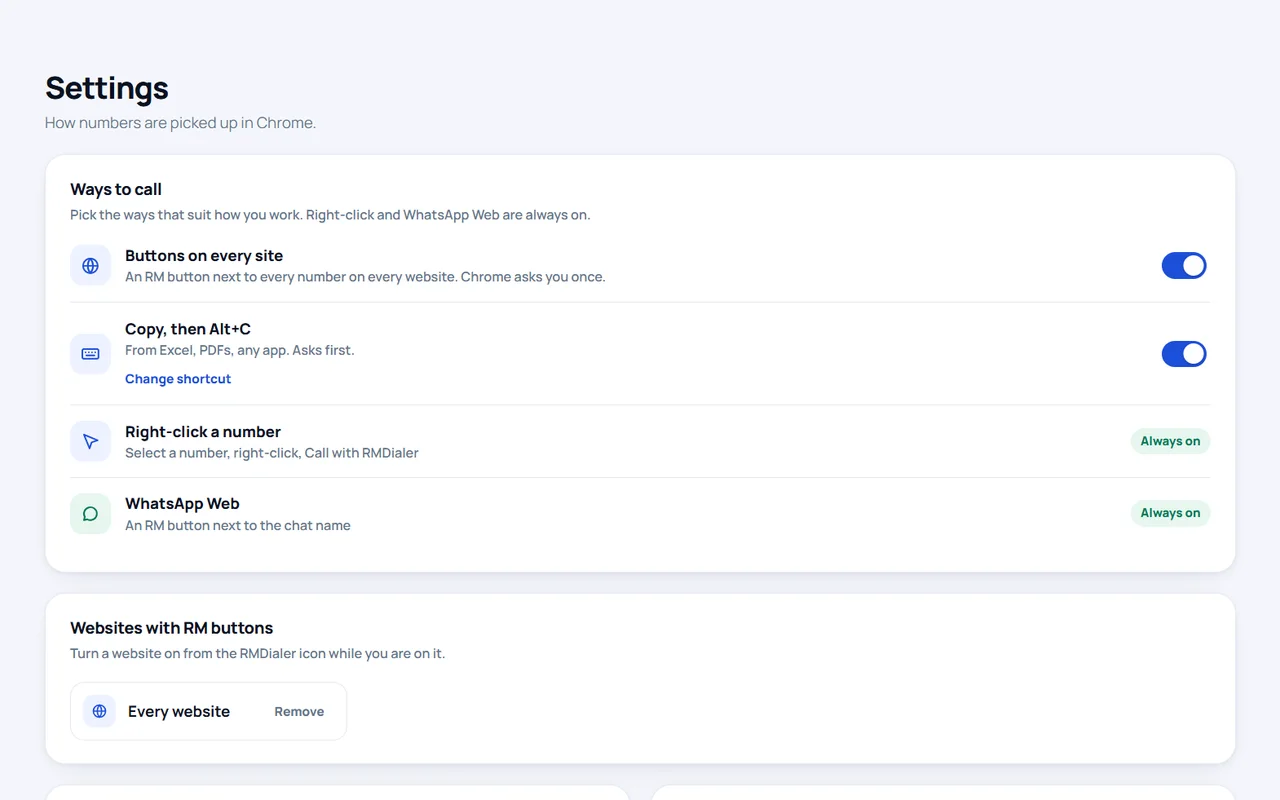
| Google Sheets, any cell | Select the cell and press Alt+C | No buttons needed |
| Excel on the desktop | Copy one or more cells and press Ctrl+Shift+2 | Works while Chrome is in the background |
| Excel in the browser | Copy the cell and press Alt+C | Confirms before calling |
| The sheet open on your phone | A HYPERLINK formula with tel: makes the cell tappable | One call at a time, typed on the phone |
| The whole list | Load the sheet into RMDialer and start the auto dialer | Calls every row in turn |
Google Sheets draws its grid as a picture rather than as ordinary page text, which is why the call button appears in the formula bar, beside the value of the cell you selected, and not inside the grid itself. Select a cell, glance up, click.
One spreadsheet habit spoils more calls than any tool: letting the program treat phone numbers as arithmetic. Excel shows a long number such as 919812345678 as 9.18E+11, drops the leading zero from 09812345678 and turns +91 into a formula. Copy that cell and the clipboard carries exactly what the cell shows, not the number you meant. Format the phone column as Text before pasting numbers in, or keep the country code as a separate column, and both the extension and the RMDialer importer read every row correctly. Google Sheets does the same with a leading plus sign, so type an apostrophe first or format the column as plain text.
Desktop spreadsheets
Click to call from Excel
Desktop Excel is not a web page, so nothing can draw a button inside it. RMDialer uses the clipboard instead. Copy one cell or a block of cells and press Ctrl+Shift+2, which works even while Chrome sits in the background. A small window opens listing every number you copied, newest first, each with its own Call button.
Keep the window open and it adds each new copy to the top of the list, so you can walk down the sheet copying and calling. A Keep on top button pins it above Excel. Excel in the browser behaves like any web page: copy the cell and press Alt+C.
An event ticketing team in Goa
Call from google sheets after a ticket sale form
Picture a two-person ticketing team in Goa selling passes for beach concerts. Every booking from their website form lands as a row in a Google Sheet, and each buyer gets a confirmation call before the event. They used to read numbers off the laptop and type them on a phone, and twice a week someone called a wrong number.
Now one of them keeps the sheet open, selects the next row and clicks the call button in the formula bar; the phone beside the laptop rings the buyer from the team’s own number, which buyers recognise from WhatsApp. On launch days, when hundreds of rows arrive, they load the sheet into the RMDialer auto dialer instead and work through it hands-free. The team is an illustration, not a named customer.
When there are hundreds of rows
Google sheets click to call vs dialing the whole list
Clicking cell by cell suits a few calls an hour between other work. For a full column, let the phone do the walking: connect the sheet to RMDialer as a lead source or import the file, and the auto dialer calls each number in turn with your remarks saved after every call. See the Google Sheet auto dialer and turning an Excel list into a calling campaign. The extension itself is explained on the click to call Chrome extension page.
Try it with your own workflow
Make every number in the sheet a call
Add the extension to Chrome, sign in with the same number as the app on your Android phone, and select a cell. Message us on WhatsApp for help with Sheets or Excel.
Team features, one plan
₹159/user/month
₹1,908 per user, billed yearly, plus taxes.
- Lead statuses, remarks and reminder scheduling
- Assigned calling lists and employee reports
- List auto dialing and WhatsApp automation
The personal dialer, call log and personal analytics are free forever. Team access and saved lead workflows require a plan. SIM charges and any WhatsApp provider charges are separate.
Compare free and paid features →Calling phone numbers from Google Sheets and Excel: questions
How do I call phone numbers from Google Sheets?
Add the RMDialer extension to Chrome and sign in with the same number as the RMDialer app on your Android phone. In Google Sheets, select a cell with a number and click the RM button beside it in the formula bar, or press Alt+C; your phone dials the number on its SIM.
How do I make numbers in Google Sheets click to call?
On a computer, switch on RM buttons for docs.google.com in the extension: the selected cell’s number then gets a call button. On a phone, a formula such as =HYPERLINK("tel:"&A2, A2) turns the cell into a tappable link that opens the dialer.
Can I click to call from Excel?
Yes. In desktop Excel, copy the cells with numbers and press Ctrl+Shift+2. A small window lists every copied number with its own Call button; press one and your phone dials it. In Excel in the browser, copy a cell and press Alt+C.
Can I call many numbers from an Excel sheet one after another?
Copy a block of cells and press Ctrl+Shift+2: each number in the window has its own Call button and the window can stay on top of Excel. For a long list, import the sheet into RMDialer and let the auto dialer ring each number on the phone.
Does Google Sheets have a built-in call button?
No. Sheets shows a number as plain text. You need either a tel: hyperlink, which only helps on a phone, or a tool that adds calling, such as the RMDialer extension, which places the call on your own phone.
Will the person see my mobile number?
Yes. The phone places an ordinary call on its SIM, so the person sees your mobile number and the call uses your normal plan.
Does the number need a country code in the sheet?
No. Set your default country in the extension and bare local numbers are read in that country; numbers with +, spaces, dashes or a leading zero are cleaned automatically. When the country is unclear the extension asks before calling.
Can I update the sheet after the call?
The spreadsheet is not changed. The call, its duration and your remark are saved in RMDialer against the number, and if the sheet is connected as a lead source the lead record carries the outcome.
Does this work with an iPhone?
The extension rings an Android phone running RMDialer. On an iPhone you can still tap a tel: hyperlink in the Sheets app to open the dialer for one number.