
Nobody is watching it
A lead that arrives at 9 pm is allocated at 9 pm, but the owner only finds out when they next open the file.
NewRMDialer is now on iPhone as well as Android · every feature except the call log
Free lead allocation sheet
If your leads live in a spreadsheet, allocation can live there too. This free .xlsx gives each new lead to the next person on a Team sheet. It has one trap, a formula that recalculates when the team changes, and a frozen column that fixes it.
Free personal dialer. Paid features include a 3-day trial; no card required.
Team plans: ₹159/user/month, billed yearly + taxes →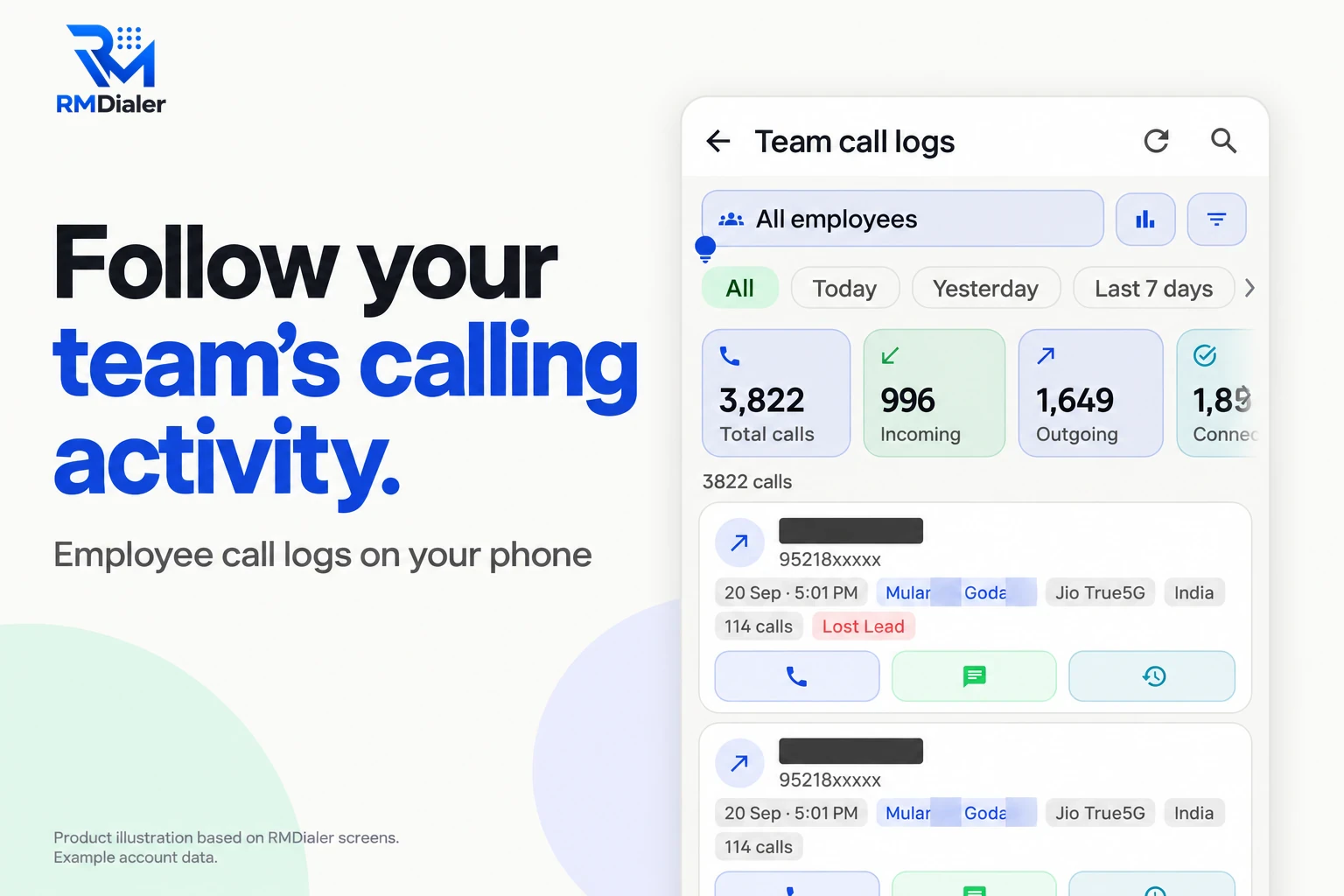
Replace Caller A to C with your team on the Team sheet, then delete the sample rows.
Short answer
A lead allocation sheet works by counting the leads entered so far and giving the next one to the next name on a team list, starting again after the last name, so leads are shared in turn by formula. Because the formula recalculates, copy the allocations as values once a day so that past leads never change owner.
Key takeaways
One formula, one frozen column
The downloadable sheet is built from these columns. The formula column does the rotation; the frozen column is the record.
| Column | Filled by | Why it is there |
|---|---|---|
| Date, Name, Phone | Typed or pasted as enquiries arrive | Phone is formatted as text; the formula counts filled phone cells |
| Allocated to (formula) | =IF(C2="","",INDEX(Team!$A$2:$A$21,MOD(COUNTA($C$2:C2)-1,COUNTA(Team!$A$2:$A$21))+1)) | Gives the n-th lead to the next name on the Team sheet, then starts again |
| Frozen owner | Paste Special, Values from the formula column, once a day | The formula recalculates when the team changes; frozen values do not |
| Status, Remark | Updated by the owner after each call | Keeps the sheet usable as a simple tracker |
| Team sheet | Names in turn order, up to twenty | Add or remove people here; the rotation follows |
COUNTA counts filled phone cells rather than row numbers, so a blank row slipped in by mistake does not skip anyone’s turn.
A channel partner in Gurugram
Picture a real-estate channel partner on Golf Course Extension Road, Gurugram, with three associates selling new launches. A Google Form on their website writes enquiries into a sheet, and the allocation formula gives each one to the next associate.
For three weeks it works. Then a fourth associate joins and is added to the Team sheet, and the next morning a dozen older leads show different owners. Two customers get a second call from someone new. From then on the partner pastes the day’s allocations into the Frozen owner column every evening, and the problem stops.
After two months, with launches bringing forty enquiries a day, the partner connects the same Google Sheet to RMDialer as a live sheet. The associates keep the website form; allocation, calling and follow-up reminders move to their phones. The story is an illustration of a common path, not a named firm.
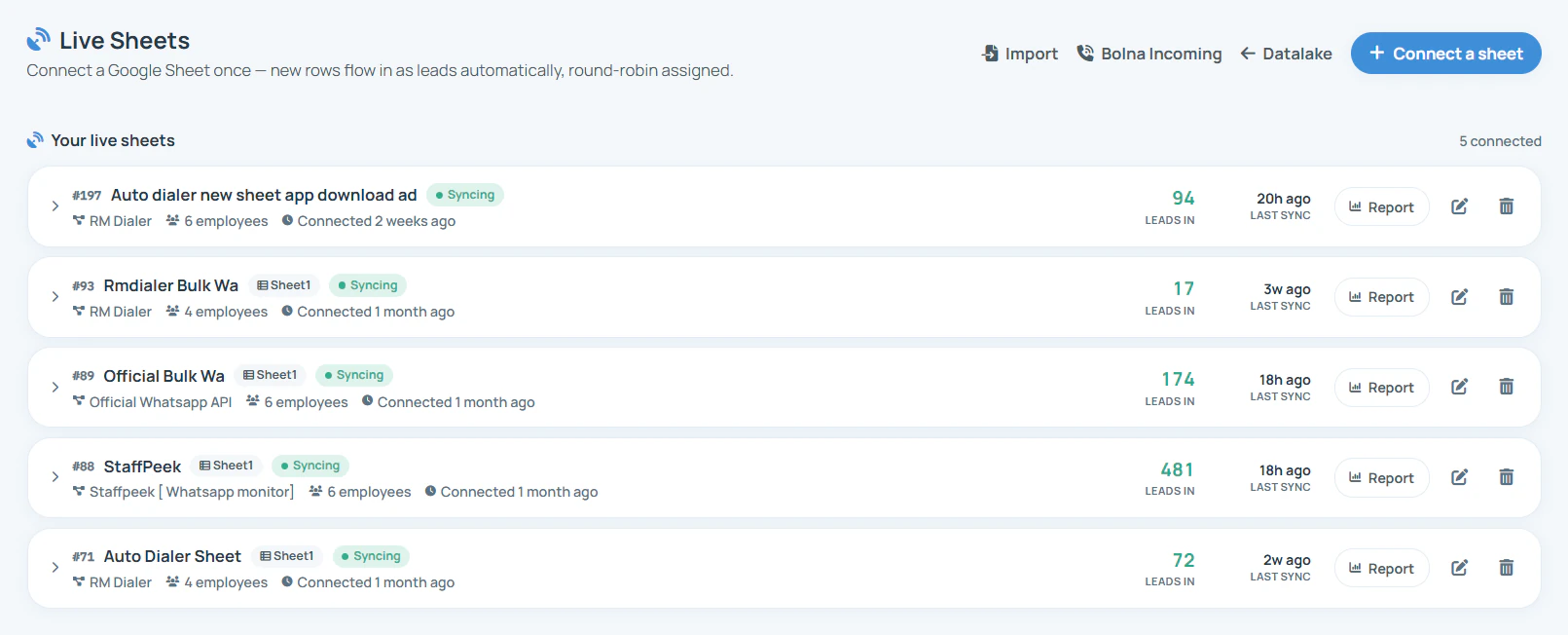
Where formulas stop
A sheet allocates well. It is everything around the allocation that it cannot do:
A lead that arrives at 9 pm is allocated at 9 pm, but the owner only finds out when they next open the file.
Every joiner, leaver and holiday means editing names and freezing values, or old leads move.
The sheet records who was given a lead, not whether they rang it, when, or what the customer said.
The same rotation, done by software with none of these gaps, is described on round robin lead distribution. For a fuller lead sheet with dropdowns and highlights, get the lead management Excel template, and for the no-hands version end to end, automated lead distribution software.
Try it with your own workflow
Send us your sheet. We connect it as a live sheet, share its new rows among your team and show the leads arriving on their phones.
Team features, one plan
₹159/user/month
₹1,908 per user, billed yearly, plus taxes.
The personal dialer, call log and personal analytics are free forever. Team access and saved lead workflows require a plan. SIM charges and any WhatsApp provider charges are separate.
Compare free and paid features →A spreadsheet that assigns each new lead to a team member, usually in turn. The free RMDialer version does it with one formula: each lead typed into the sheet is given to the next name on a Team sheet, and the list starts again when everyone has had one.
Put your team names on a separate sheet, then use INDEX with MOD and COUNTA so the n-th lead picks the name at position ((n - 1) mod team size) + 1. The exact formula is in the table on this page and already set up in the downloadable file.
Because the formula recalculates every row. Adding, removing or reordering a name shifts past allocations too. Copy the formula column each evening and paste it as values into the Frozen owner column, and let people work from the frozen one.
Yes. Upload the .xlsx to Google Drive and open it with Google Sheets; INDEX, MOD and COUNTA behave the same. A Google Sheet has an extra advantage: RMDialer can read it as a live sheet and share new rows itself.
Only if you remove their name from the Team sheet, which, because of recalculation, shifts older rows unless you have frozen them. That is the point where most teams find a sheet more work than it saves.
Yes, with one Team sheet per city or product and a formula that looks up the right list, but the formulas grow quickly. In RMDialer the same result is a separate source with its own group of people, set in a minute.
In a sheet, by filtering the Frozen owner column to their own name. In RMDialer, each person simply sees their own leads on the phone, ready to call, without opening a shared file.
For two or three people and a few leads a day, often yes. It stops being enough when names change often, when leads arrive while nobody is watching the sheet, or when you need to know whether allocated leads were actually called.
Connect the same Google Sheet to RMDialer as a live sheet and choose who shares its new rows, or import the Excel file once with its frozen owners. The sheet habit can stay; the allocation and calling move to the phone.
Yes, it is a plain .xlsx download with no form. It includes a Team sheet, the formula on 500 rows, a Frozen owner column, four sample rows with fake numbers and a How it works sheet.
Allocation, calling and reports come in one seat: ₹159 for each team member monthly with a year billed upfront in India, tax extra, and $29 per user per year, or $12 per user for 3 months, outside India. Try it free for 3 days: unlimited use, no credit card required.