
It rings nobody
New rows sit silently until someone opens the file. RMDialer puts each row on a caller’s phone as a lead to dial, so the next action is a call, not a scroll.
NewRMDialer is now on iPhone as well as Android · every feature except the call log
Website leads to Google Sheets
Getting form submissions into a sheet is the easy half. The hard half is making sure every row gets a call while the visitor still remembers filling in the form. Here are the routes into a sheet, and how RMDialer turns each new row into a lead on a caller’s phone.
Free personal dialer. Paid features include a 3-day trial; no card required.
Team plans: ₹159/user/month, billed yearly + taxes →
A sheet stores the lead; only a person on the phone answers it.
Short answer
Send website leads to Google Sheets with Google Forms, a Sheets add-on for your form plugin, a short Apps Script or a connector such as Zapier, Make or Pabbly. Then connect the sheet to RMDialer under Live Sheets, so each new row becomes a lead dealt to the next caller, or skip the sheet and post the form straight to an RMDialer webhook.
Key takeaways
Form to sheet, five ways
The right route depends on how your website form is built today, who looks after the site and whether the sheet is the goal or just a stop on the way to a phone call.
| Route | Code needed | Cost | Fits when |
|---|---|---|---|
| Google Forms on your site | None | Free | A simple enquiry form; responses land in a sheet by themselves |
| Sheets add-on for your form plugin | None | Often a paid add-on | WordPress sites keeping their current form design |
| Apps Script web app | A short script | Free | A custom HTML form and someone comfortable with a little code |
| Zapier, Make or Pabbly | None | Monthly plan above the free tier | Any form builder, and more than one site |
| Skip the sheet: RMDialer webhook | None if the form sends JSON | Included with RMDialer | When the goal is a call, not a spreadsheet |
Whichever route you choose, send one test submission with a real phone number, then open the sheet and read the row as a caller would. Numbers stored as figures lose their leading plus sign; timestamps in the wrong time zone make a morning lead look like it came at night. Both are easier to fix on day one than after a thousand rows.
A physiotherapy clinic group in Guwahati
Picture a physiotherapy clinic group with three branches in Guwahati, taking bookings through a form on its website for back pain, sports injuries and home visits for elderly patients. For a year the form filled a Google Sheet, and the front desk looked at it between patients.
On busy days the sheet was opened twice. A patient who asked for a home visit at nine in the morning might be rung at five, by which time the family had booked another clinic. Nobody could say how many rows had never been called at all.
Now the same sheet is connected under Live Sheets. Each new row becomes a lead for one of two front-desk callers in turn, with the branch and complaint in the lead’s fields. Rows are called through the day as they arrive, and the owner sees the rows that are still waiting instead of guessing. The sheet did not change; what changed is that every row now has a person attached.
The clinic and its figures are an illustration of the workflow, not a named business.
What a sheet cannot do
A sheet is a good inbox and a poor salesperson. Three jobs fall between its rows:
New rows sit silently until someone opens the file. RMDialer puts each row on a caller’s phone as a lead to dial, so the next action is a call, not a scroll.
Three people reading one sheet either call the same row or leave the hard ones. Dealing rows to callers in turn gives every lead exactly one owner.
A sheet cell cannot remind anybody on Thursday. On the lead, a status, remark and reminder carry the follow-up after the first call.
Forms that can send JSON can skip the sheet entirely: the webhook route is explained on RMDialer integrations. For WhatsApp enquiries rather than web forms, see WhatsApp leads to Excel, and for sharing any source between callers, read automated lead distribution software.
Try it with your own workflow
We connect your Google Sheet or form webhook, choose who receives the leads and show a test submission reaching a phone.
Team features, one plan
₹159/user/month
₹1,908 per user, billed yearly, plus taxes.
The personal dialer, call log and personal analytics are free forever. Team access and saved lead workflows require a plan. SIM charges and any WhatsApp provider charges are separate.
Compare free and paid features →Use Google Forms, whose responses fill a sheet by themselves; a Sheets add-on for your form plugin; a small Apps Script that appends each submission as a row; or a connector such as Zapier, Make or Pabbly. Pick by how your form is built and whether code is welcome.
Yes. Most popular WordPress form plugins have a Google Sheets add-on, sometimes paid, and all of them can post to a connector like Zapier, Make or Pabbly that writes the row. Test with one submission and check each field lands in the right column.
No. Google Forms, plugin add-ons and connector tools need none. Apps Script is the only route here that needs a little code, and it suits a custom HTML form on a site you build yourself.
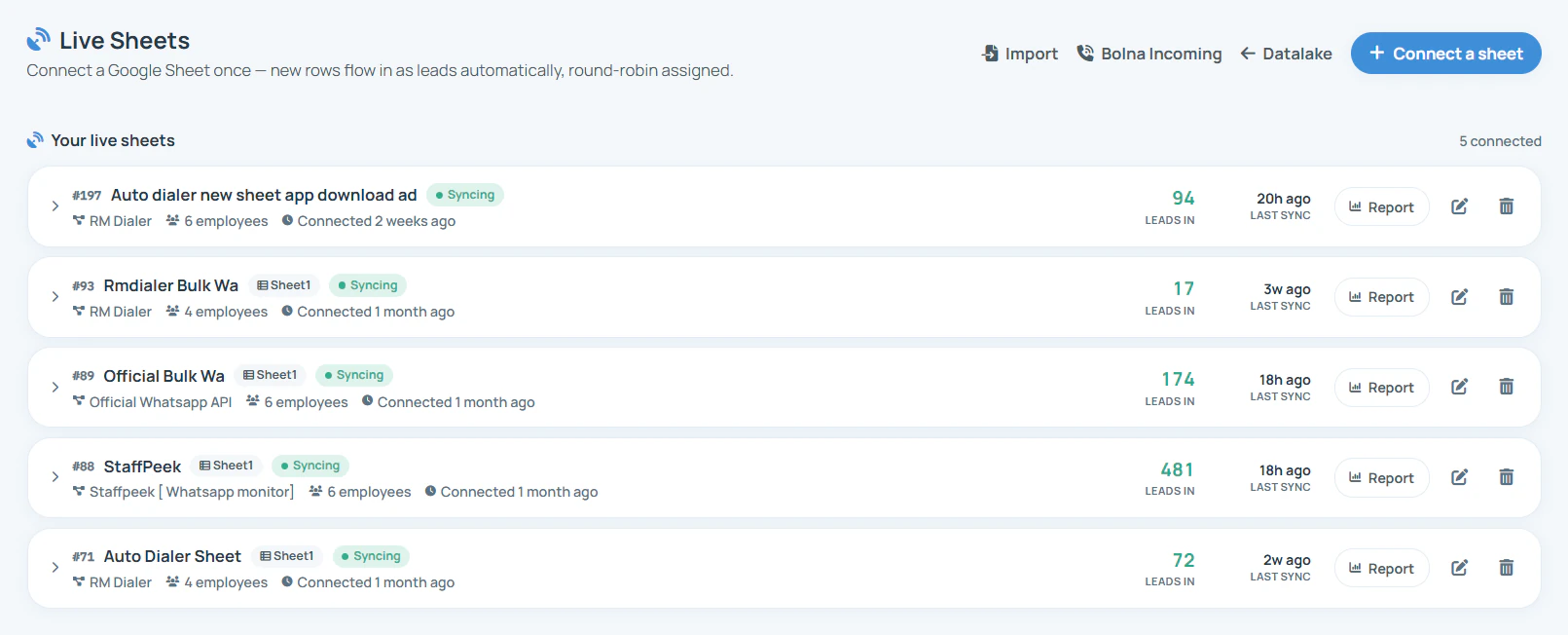
Connect the sheet to RMDialer. Under Live Sheets in the Web CRM, each new row becomes a lead dealt to the next caller you picked, and it waits on their phone to be called. The sheet stays as your record; the calling happens on the phone.
Yes. Create a Custom Webhook in the Web CRM, paste its URL into any form or tool that sends JSON, map the fields once and choose who gets the leads. Forms that send plain form data go through Zapier, Make or Pabbly on the way.
Match on the phone number. RMDialer checks numbers it already has, and you choose to skip the repeat or update the existing lead, so a visitor who submits twice still has one owner and one history.
Anyone holding the link can open a link-shared sheet, so treat the link like a password: never paste it in public places, keep only the columns you need and remove old rows you no longer use. The webhook route avoids a shared sheet altogether.
Timestamp, name, phone with country code, email, the page or campaign the form was on, and the message. Keep phone in its own column in text format, so leading zeros and the plus sign survive.
Yes, if the form passes them as hidden fields. They then fill their own columns in the sheet, or map to fields on the webhook, so you can later see which ad or page produced leads that actually picked up the phone.
As soon as a caller is free, and the same working day at the latest. Someone who filled a form is often comparing two or three businesses at that moment, and the first one to ring usually gets the conversation. Rows that wait overnight are called back far less often.
₹159 a month per caller when the year is paid up front in India, before tax; $29 per user per year, or $12 per user for 3 months, outside India. Google Sheets and Google Forms themselves cost nothing extra.