
The record is missing
Check the source connection, sync state and required fields. Compare the enquiry in the provider system with what reached the connected sheet or API workflow.
NewRMDialer is now on iPhone as well as Android · every feature except the call log
Lead response management software
An enquiry should reach someone who can act on it. RMDialer connects incoming lead sources, caller ownership and the customer record so your team can locate unanswered work and move it toward a useful conversation.
Free personal dialer. Paid features include a 3-day trial; no card required.
Team plans: ₹159/user/month, billed yearly + taxes →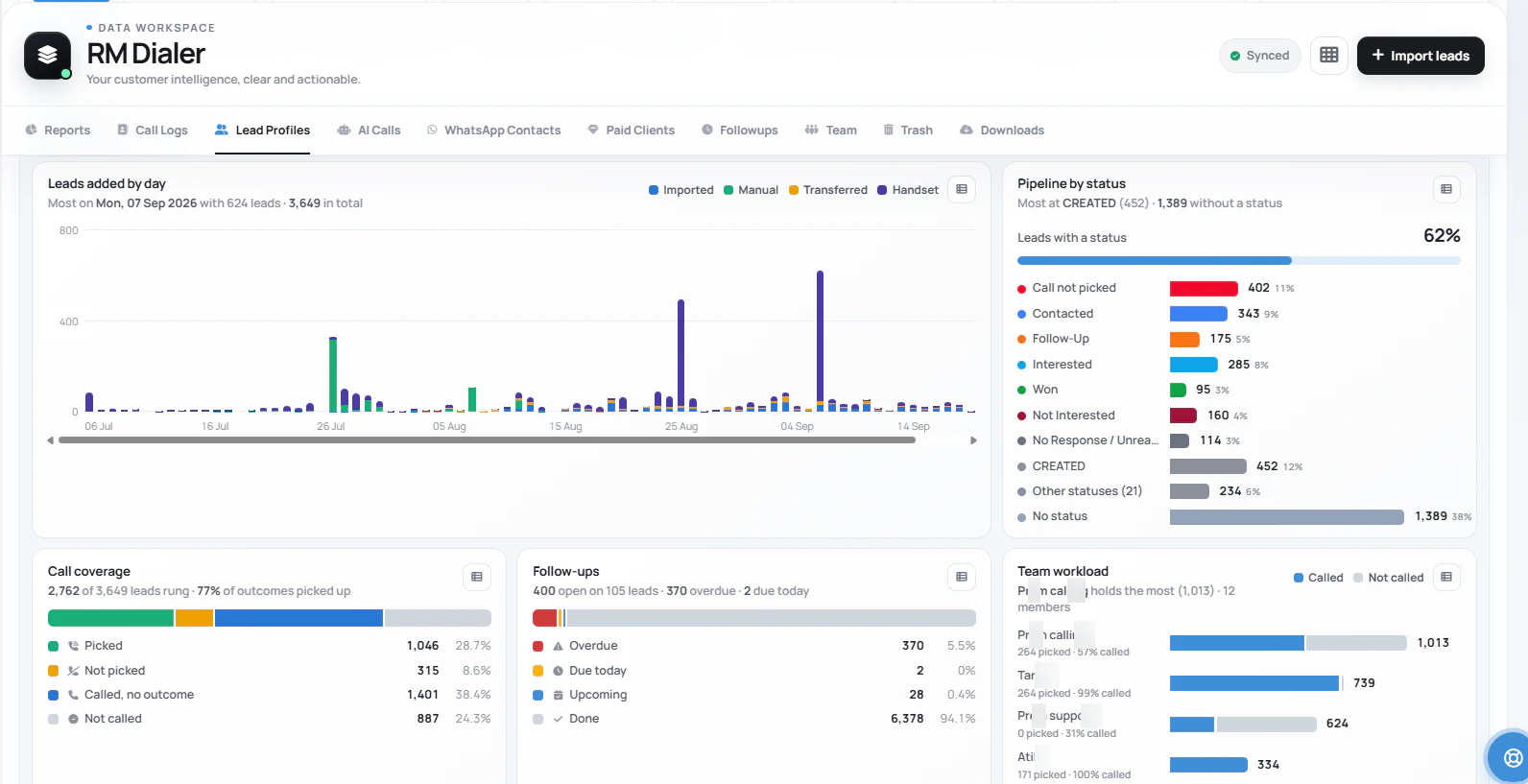
Did the record arrive, did someone receive it, and did a person act? Each answer points to a different fix.
Short answer
It should help you establish when an enquiry entered the process, who received responsibility, when a person first attempted contact and what happened next. Those events reveal whether a delay comes from the source, allocation or caller action. RMDialer supports the lead and calling workflow; confirm the exact timestamps and export fields before designing a response-time report.
Key takeaways
One enquiry, several clocks
A speed-to-lead figure is only meaningful when its events are defined. Starting at CRM creation omits any time the request spent waiting in a source. Ending at a message receipt is different from ending at the first human reply. Write those definitions before comparing teams or software.
The buyer sends the request. This is the chosen clock start.
The connected source creates the record: three minutes of ingestion delay.
The example adds one minute of dispatch delay.
Four more minutes pass before the salesperson calls.
The customer answers a later contact and discusses the requirement.
Illustrative result: eight minutes from enquiry submission to first attempt; eleven minutes to first conversation. Neither number is a RMDialer performance claim. The example shows why the chosen start and end events matter.
Measure ingestion delay, dispatch delay and caller delay separately when the data permits it. If a source timestamp is unavailable, label the measure as time from CRM arrival rather than implying it covers the buyer’s entire wait.
Check before blaming the queue
A salesperson cannot respond to a form submission that never arrived in their working list. Submit a sample through the real form or provider, inspect the original source record and confirm the mapped fields in RMDialer. Use that evidence to distinguish a connection issue from an allocation issue.
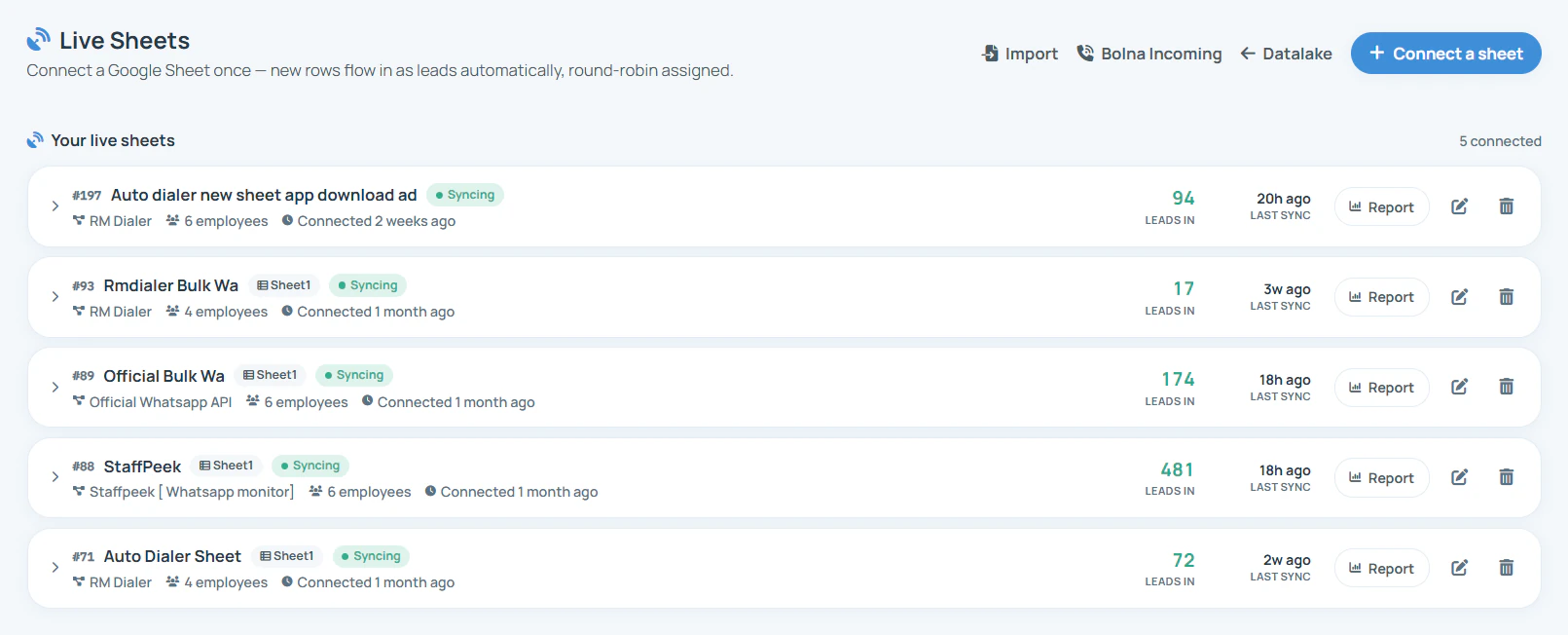
Check the source connection, sync state and required fields. Compare the enquiry in the provider system with what reached the connected sheet or API workflow.
Inspect the source timestamp and sync timing if available. A caller’s fast action after a delayed import still leaves the buyer waiting.
Confirm the phone number, requirement and source label. Route invalid or incomplete records into an explicit exception queue or manual review process.
Use the source-import guide for connection options. For the full capture and distribution setup, read lead automation. A successful test should follow a real submission through the same path your customers use.
From a received record to a useful answer
Give each enquiry a clear owner, put the requirement within reach and define the first useful action. A shared notification can acknowledge that work exists while leaving everyone uncertain who should do it.
Review the source’s selected employee group and assignment settings. Use lead assignment software to understand ownership and transfers, or round-robin distribution for the rotation rules.
Read what the customer requested before calling. A receipt acknowledgement can set expectations, but it should not be mistaken for a person answering the question.
Distinguish an unanswered attempt, an unsuitable contact and a real discussion. Save the next action so an enquiry that did not connect remains visible for appropriate follow-up.
For example, a vehicle-service centre receives a request about a warning light. The first useful response confirms the issue and whether the customer needs an inspection booking. An automated “received” message alone does not resolve that request. This is a process example, not a measured customer result.
Review the underlying events
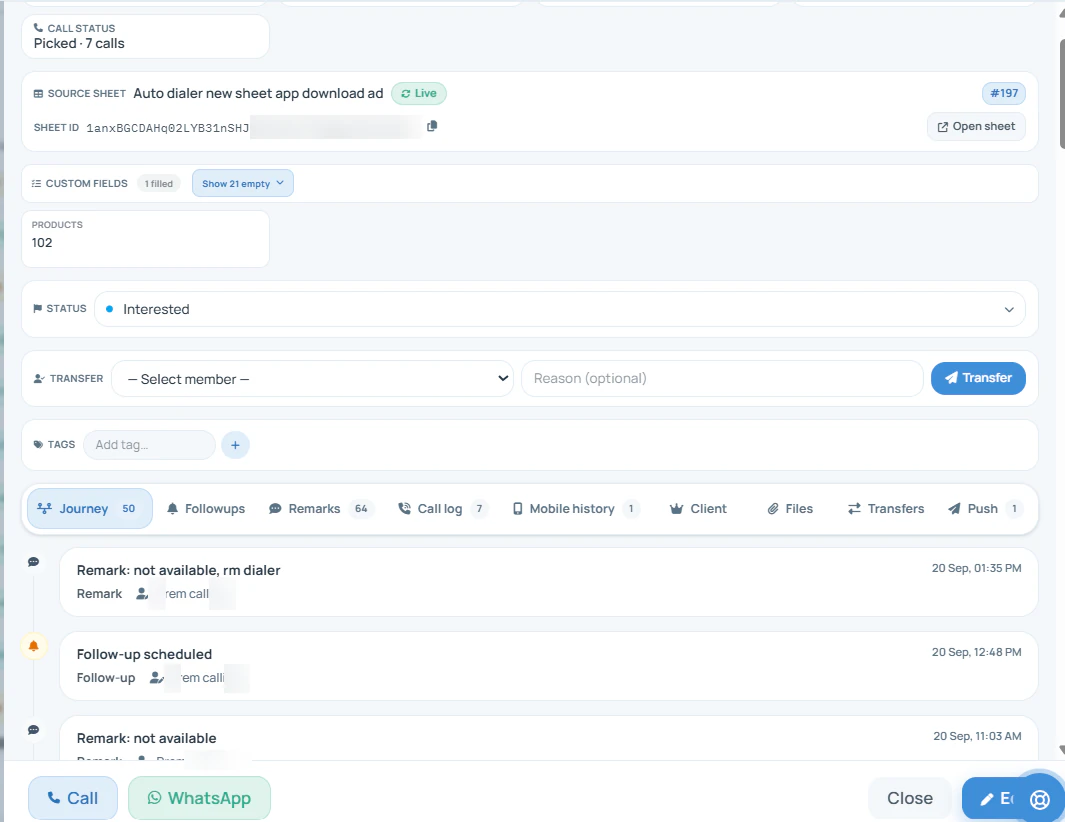
Open the lead record and examine the activity. A dialled number is evidence of an attempt, while a remark can explain whether the conversation addressed the customer’s need. Use clear call dispositions to keep those outcomes consistent.
| Measure | What it answers | What it does not prove |
|---|---|---|
| Time to first attempt | How long before a person tried to contact the lead? | That the customer answered or received useful help. |
| Time to first conversation | How long before an actual discussion took place? | That the lead was qualified or ready to buy. |
| Contact rate | What share of an agreed enquiry group was reached? | That a difference was caused solely by software. |
| Unworked enquiries | Which records still lack the expected first action? | Why they are untouched without inspecting the source and owner. |
Keep the enquiry group, time period and event definitions consistent. Separate newly arrived work from older customer records that already have historical calls. Review exceptions alongside averages so a small set of fast responses does not hide a long unanswered queue.
Set a service window you can staff
Define the response target, the person monitoring it and the backup action. Include enquiries received outside working hours and records that cannot be called because their details are incomplete. A clear service window helps the team interpret its obligations.
Elapsed time represents the buyer’s wait. Staffed-time reporting represents performance during coverage. Neither should silently replace the other. Review overnight arrivals when the next shift starts and agree who takes over if the original owner is unavailable.
If you need automatic SLA escalation, verify the trigger, fallback recipient and recorded history in a demonstration. Until that behaviour is established, a named manager can review untouched enquiries. Basic round robin should not be sold as a complete response-time enforcement system.
Send one sample enquiry through the normal customer entry point.
Find its source record, CRM arrival and assigned recipient.
Make a test contact, save the result and inspect the history.
Check the available timestamps against the metric you intend to use.
Try it with your own workflow
Bring the source your business uses and your response target. We will demonstrate arrival, ownership, the calling workflow and the fields available for review.
Team features, one plan
₹159/user/month
₹1,908 per user, billed yearly, plus taxes.
The personal dialer, call log and personal analytics are free forever. Team access and saved lead workflows require a plan. SIM charges and any WhatsApp provider charges are separate.
Compare free and paid features →Lead response management software helps a business move an incoming enquiry toward a useful first contact. It connects arrival, ownership, caller action and the resulting customer record. RMDialer supports this phone-based process through connected sources, assignment, working lead lists and recorded call outcomes.
Choose an explicit starting event, such as submission of the enquiry, and an ending event, such as the first human call attempt. Subtract the start timestamp from the end timestamp. Use a consistent timezone and decide whether to count elapsed time or only staffed hours. Verify both fields exist before promising a report.
It can confirm receipt, but it should be measured separately from a human reply or a conversation that addresses the request. Otherwise an instant receipt acknowledgement can make reporting look fast while the customer is still waiting for help. State which event your metric measures.
No response-time guarantee is made on this page. Source sync, configuration, connectivity, staffing and the caller all affect the result. Set a target your team can support, test the entire path with a sample enquiry and decide who reviews work that misses the target.
They can enter through a compatible connected sheet or API workflow. Establish how your provider sends the record, map the fields and check a sample submission end to end. Do not assume that naming a portal means there is a native connector or zero sync delay for it.
Start with the available call coverage, lead filters and the activity on individual records. Confirm whether the view shows all historical activity or only the period you need. A lead created today and called last month should not be treated as responded to today without examining the events.
Define the threshold, backup person and record of the handover first. Ask for any automatic escalation trigger to be demonstrated in your account. Basic assignment and visible activity do not by themselves establish a timed response SLA engine; a manager can run a review process while automation requirements are verified.
Publish or agree the service window and choose how reporting treats it. Elapsed time measures the customer wait; staffed-time reporting measures performance during coverage. Keep both definitions clear and have a next-opening review so overnight requests do not remain untouched.
No. A missed inbound call is a specific phone event. An unanswered queue of new enquiries may include web forms, portal leads and customers who did not answer an outbound attempt. Use the appropriate event history and follow-up process for each instead of combining them into one unexplained count.
Saved leads and team workflows need a plan after the 3-day trial. A standard India annual seat costs ₹1908 before tax, or ₹747 per user for three months. Published annual bundles cover larger teams. Outside India, $29 per user per year, or $12 per user for 3 months, outside India. Operator and applicable messaging charges remain separate from the subscription.